Release notes edition 3.7.15
Release date: Wednesday 21 October 2026
Version: v3
Here's the latest summary of what's new and improved in Zudello, as well as what we resolved in the latest release.
In this release:
- Certifications: track your suppliers' insurances and certificates, with expiry dates extracted for you
- Import card transactions from a statement file, straight from the Imports screen
- See Zudello as your users see it: admins can start a session as a user in a sandbox team
- Approvals that start from the purchase order raiser, due date checks that can block a document, and more
Looking for something? Browse by tag to find release notes on a specific feature.
New and improved
Certifications
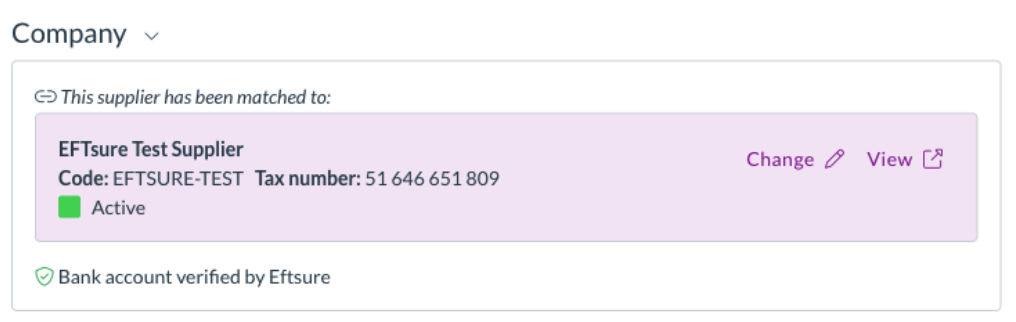
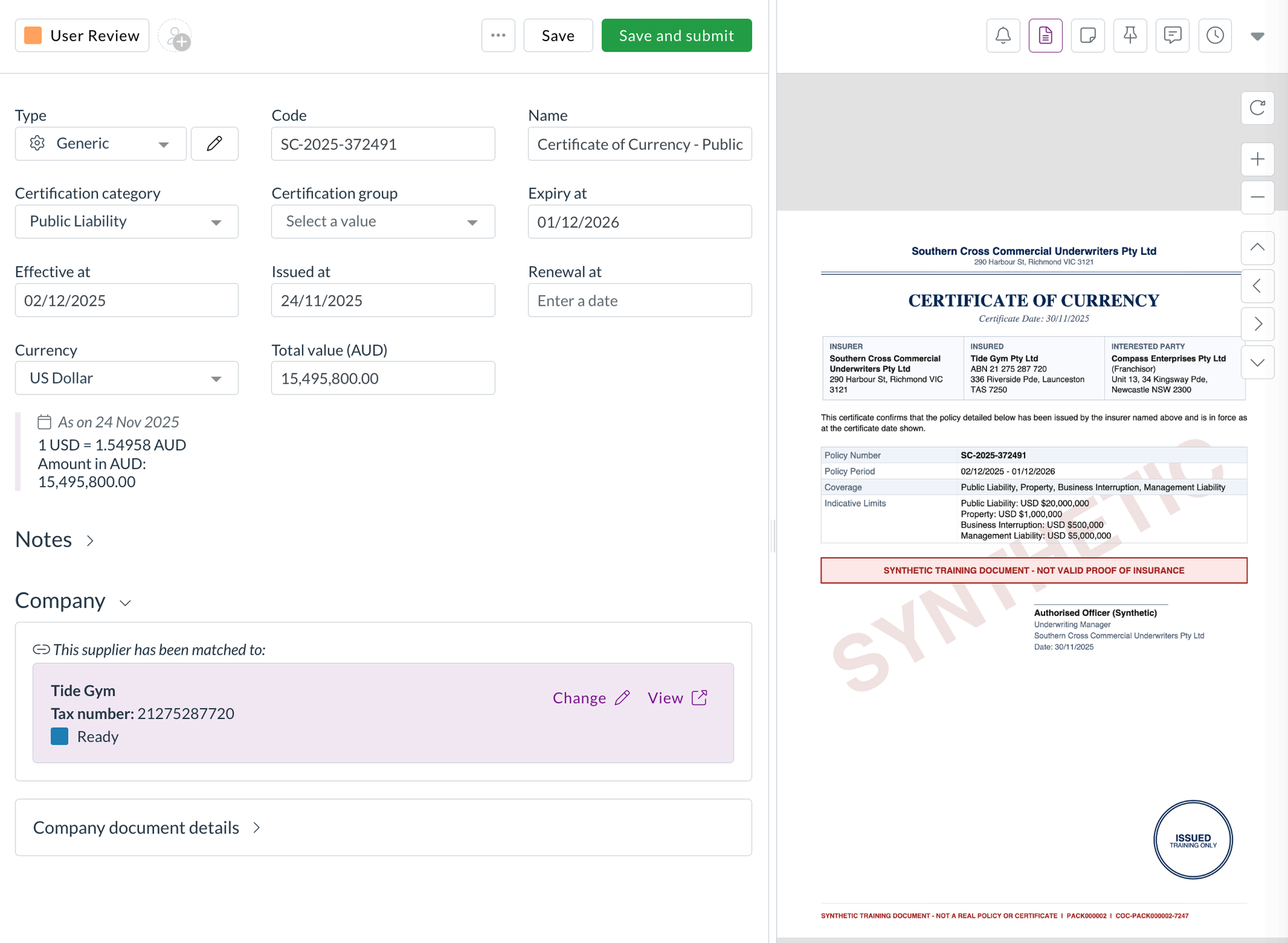
Most teams ask their suppliers for a certificate of currency, a licence, or a professional indemnity certificate before they do business with them, and then keep those documents in a shared drive with a spreadsheet of expiry dates. Certifications brings them into Zudello. Each certificate is a record linked to the supplier or customer it belongs to, with its key details extracted from the document, so you can see at a glance who's covered and when that cover runs out.
Certificates come from customers as well as suppliers. A franchisor or landlord holds a certificate of currency for each franchisee or tenant they bill, and a contractor needs a customer's site accreditation or licence before they can supply them. Certifications handles both sides.
Capture a certificate
- Upload a certificate under Certifications, or email it to a Zudello inbox the same way you'd send an invoice. Zudello reads the document and fills in the policy or certificate Code, the Effective, Issued, Expiry, and Renewal dates, and the Total value with its Currency.
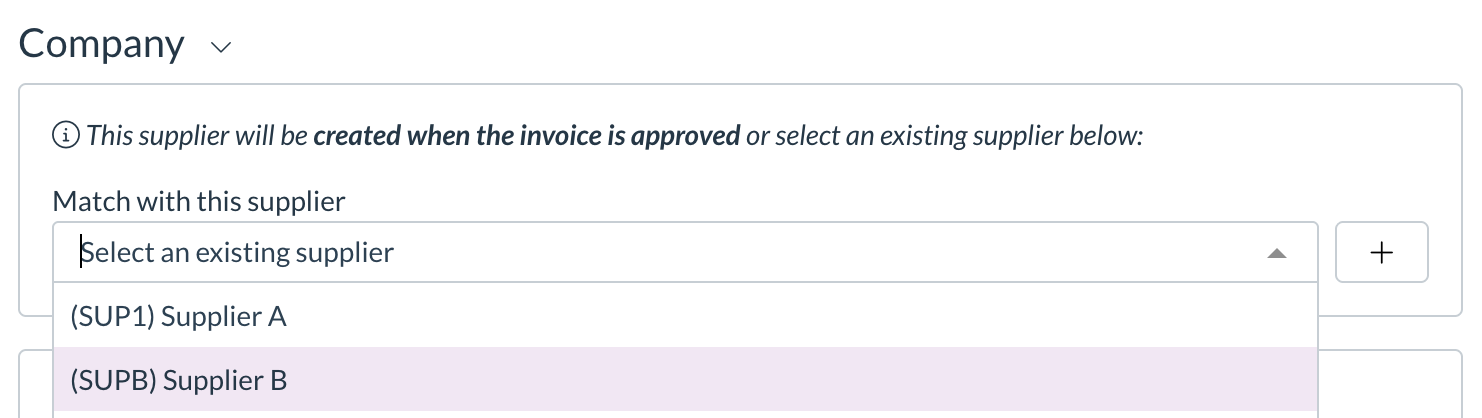
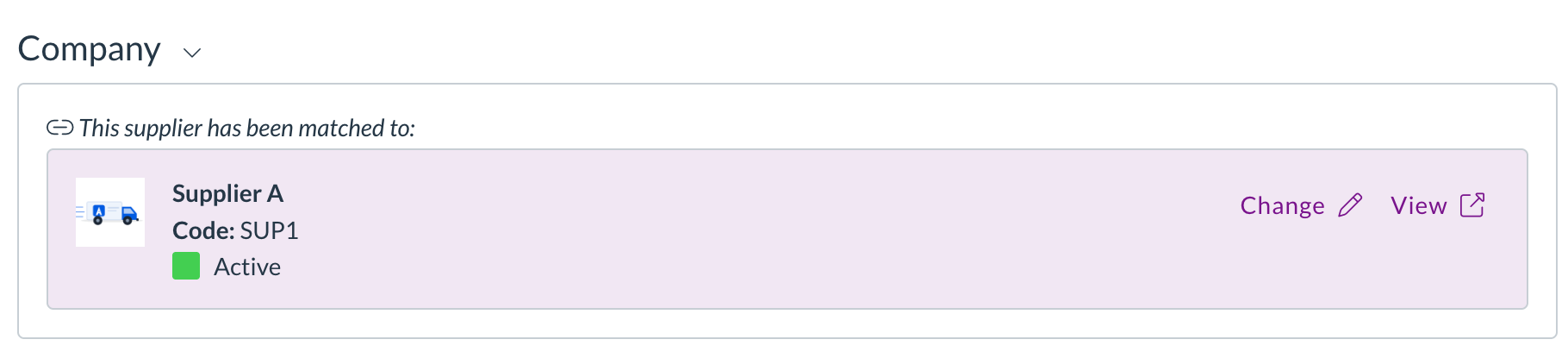
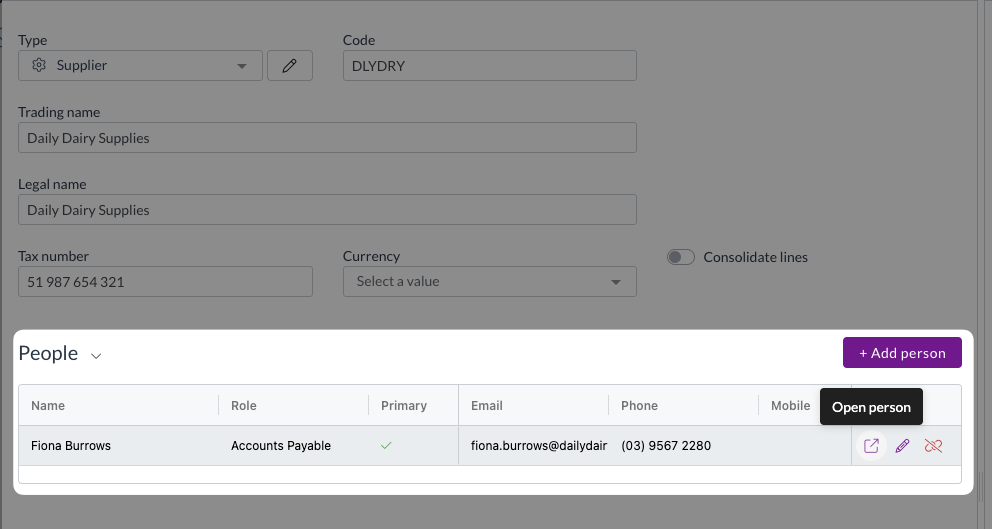
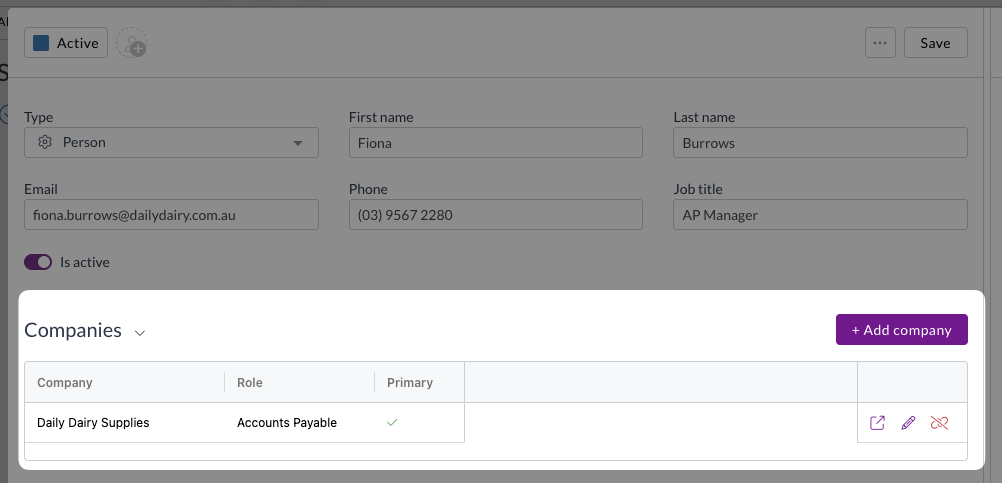
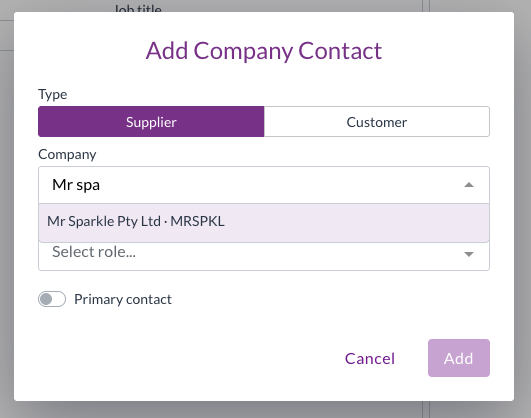
- Add the contact matching extension to the certification form, the same as on a contract, and Zudello matches the company on the certificate to your supplier or customer record. Where there's no match, or more than one candidate, you search for and pick the right one from the extension.
- Set the Certification category, such as public liability or professional indemnity, from the categories you define, and group related certificates with a Certification group.
- The record keeps the original document alongside the form, and has the same actions as any other document: copy a link, download, print, duplicate, download the audit log, and so on.
Track and report on them
- Certifications use document statuses, so you can move them through your own review flow and see which are current.
- The list shows the total value in the certificate's own currency and converted to your team's currency, and you can export it like any other list.
- Certifications sit with your suppliers and customers under CRM, and have their own permissions in that group, so you can choose which user groups can view, create, and update them without touching their access to suppliers.
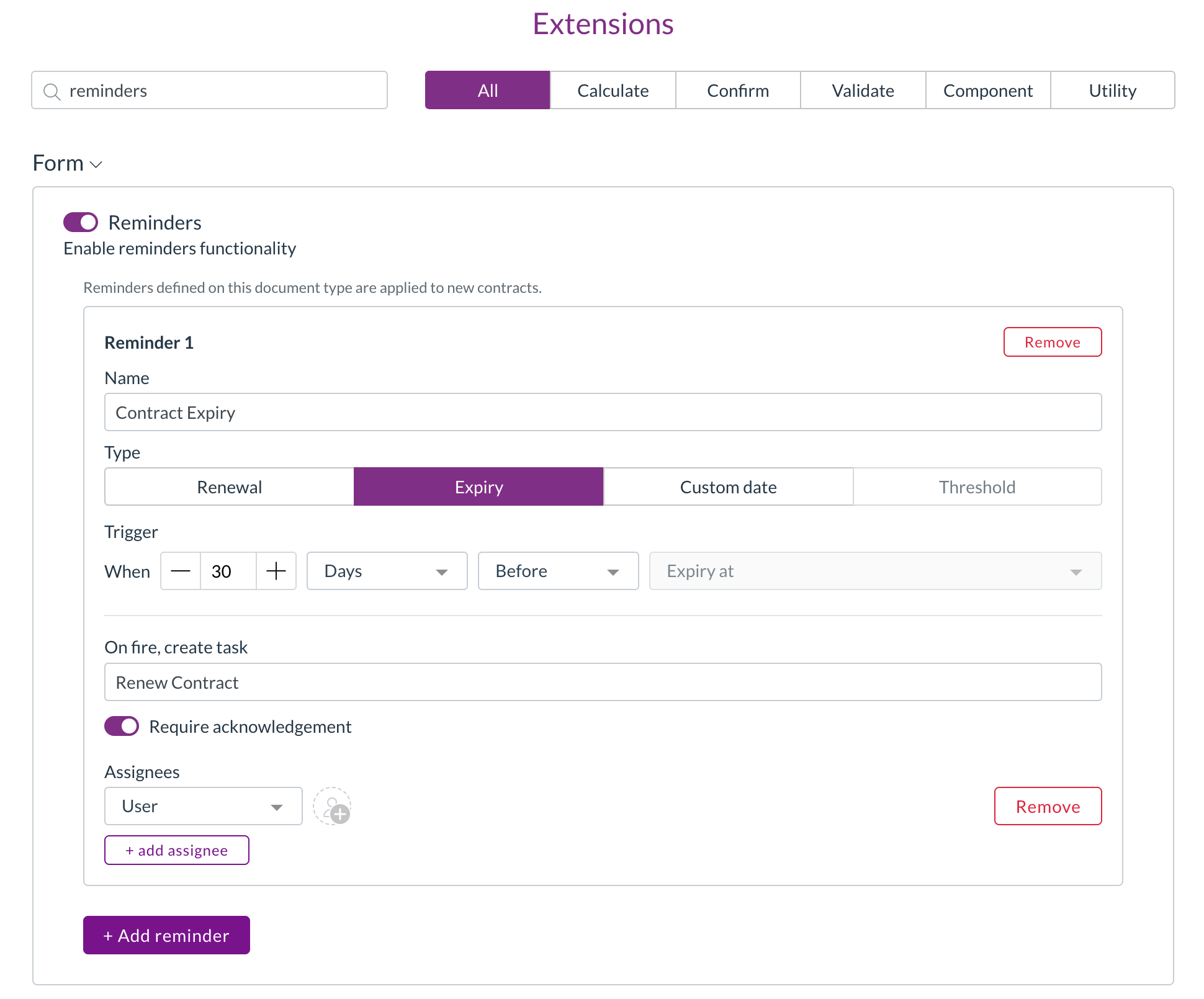
Reminders ahead of expiry are coming in a later release.
Corporate cards
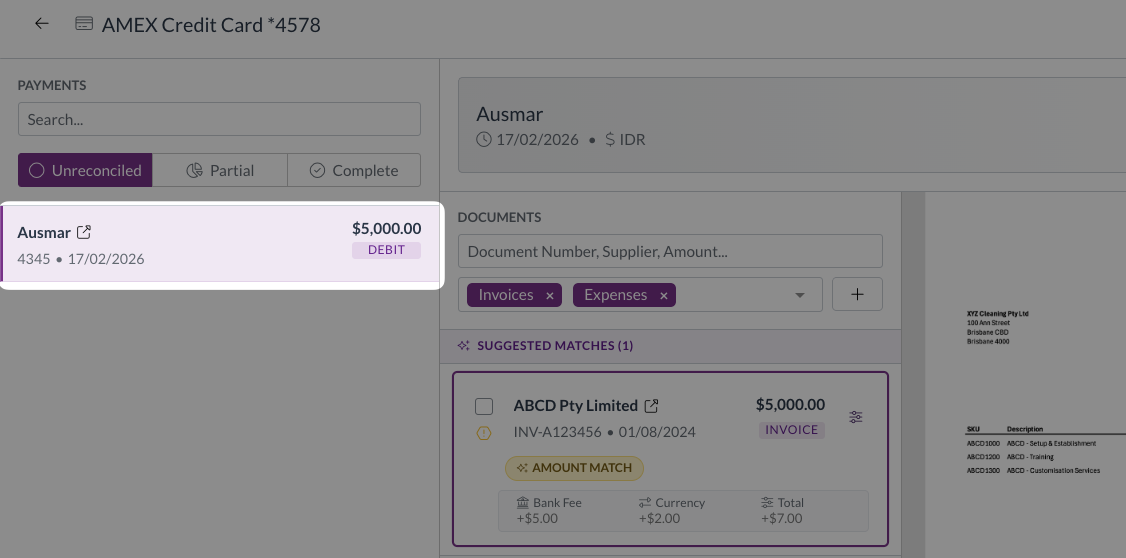
Corporate card transactions usually arrive in Zudello through a bank feed. Some banks don't offer one, and some teams would rather load a statement themselves. We've added a card statement import, so you can load a statement file from your bank without waiting on an integration.
Import a card statement
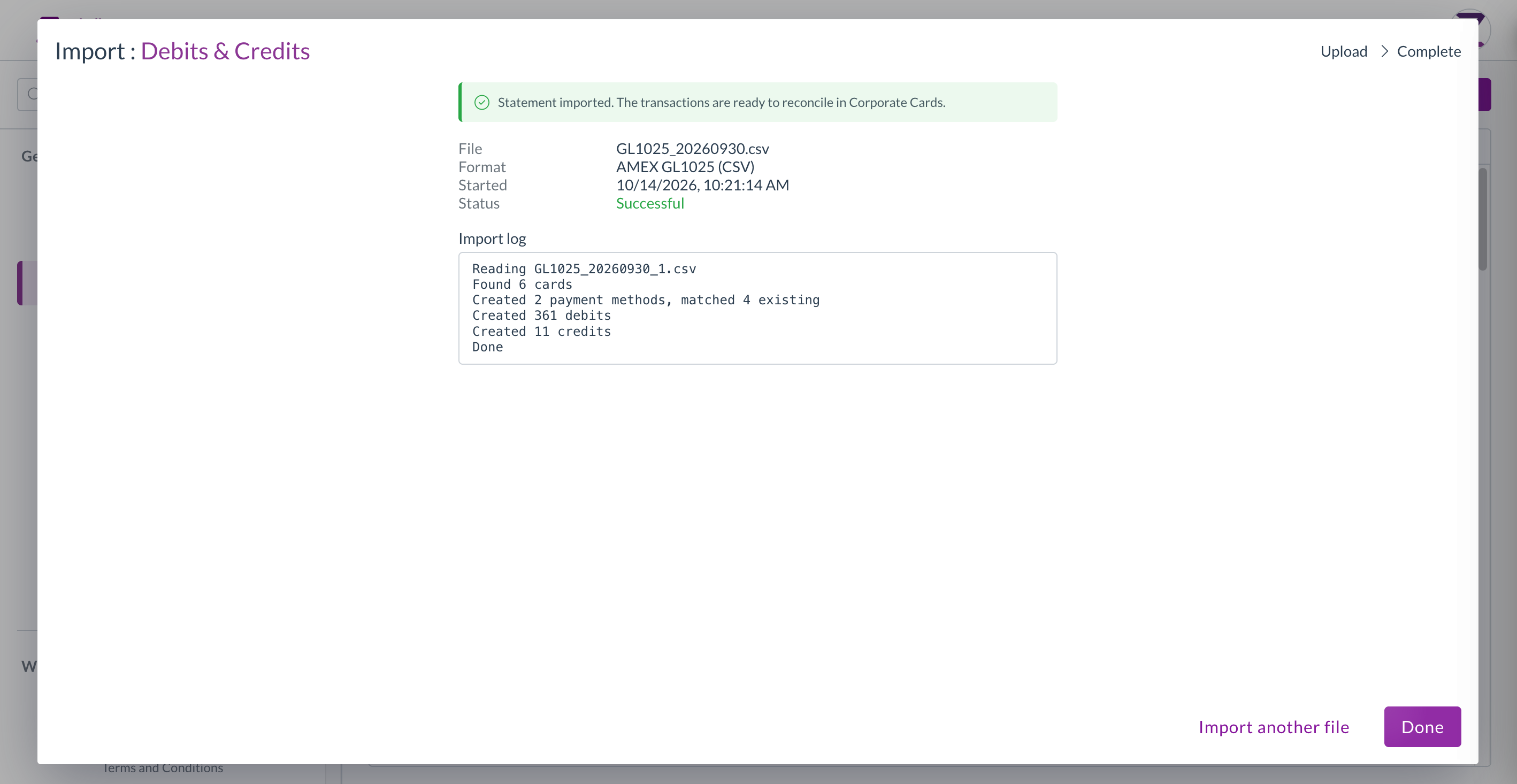
- Go to Imports, select Corporate cards, then Debits and credits.
- Choose the Statement format for your bank, and fill in any settings the format needs, such as the card account it belongs to. Once a format has been set up for your team, its settings are shown for reference.
- Upload the statement file. Zudello runs the format over it and shows you the result, including how many transactions were created, or the reason the file was refused.
- If the upload fails, start the import again with the file. There's no Try again, since the import can't run without it.
User management
See Zudello as one of your users sees it
When someone can't find a record or a menu item, the quickest answer is usually to look at Zudello through their eyes. Organisation admins can now do that in a sandbox team, without asking us.
Start a session as a user
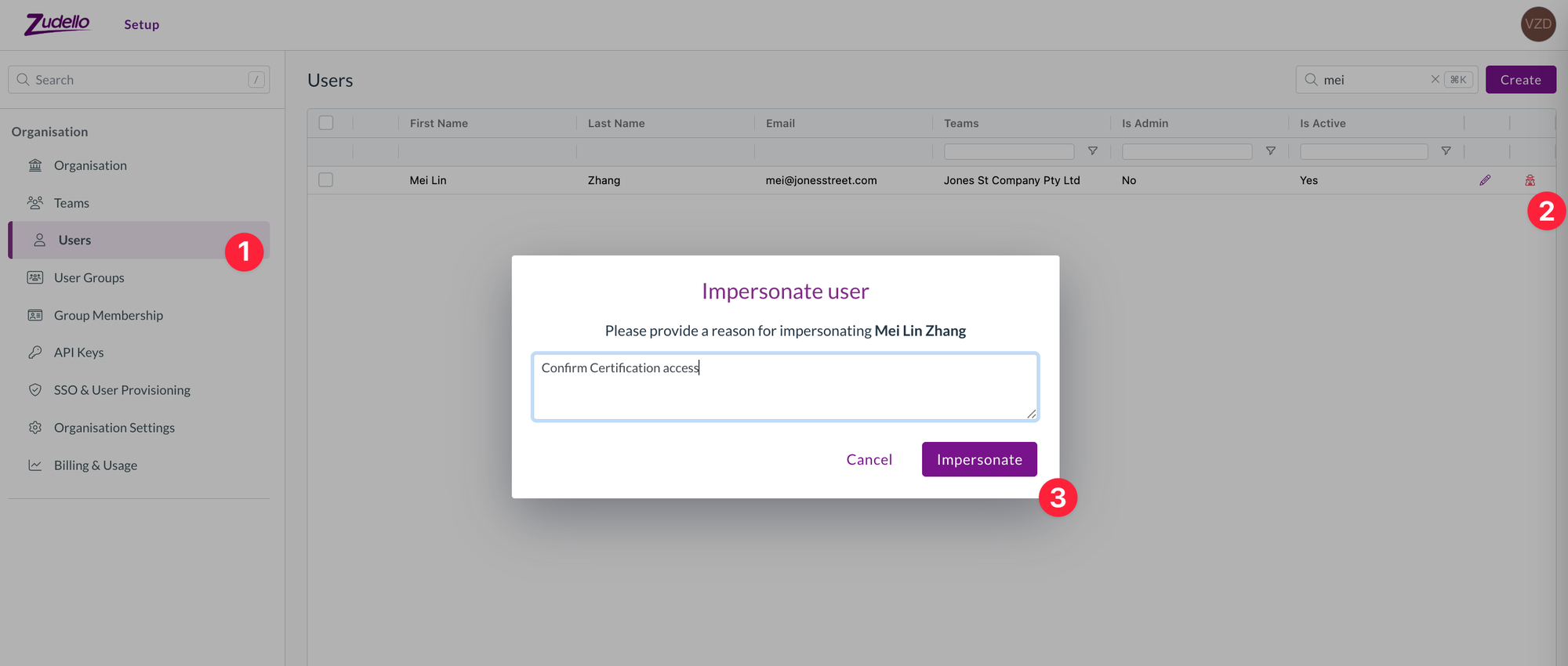
- Open Setup, then Organisation, then Users.
- Find the user and select the Impersonate icon at the end of their row.
- Enter a reason for the session, then select Impersonate. The reason is recorded in the audit log.
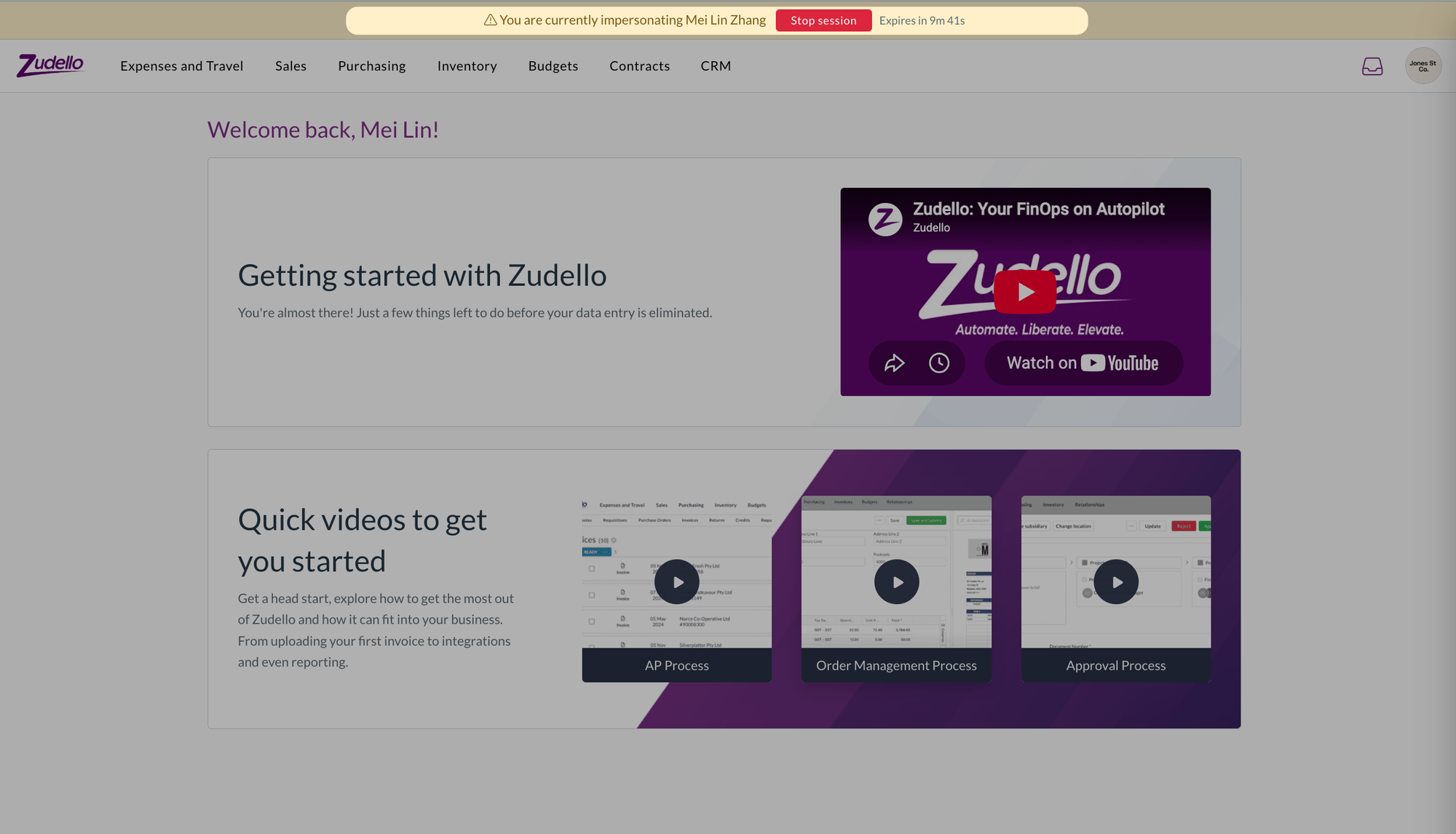
- Zudello shows a banner for the whole session so you know whose view you're in and how long is left. Select Stop session on the banner to return to your own account.
- The option is only offered in sandbox teams, and a session is limited to the user's sandbox teams. Production teams are never available this way, so your live data stays as it is.
- You can only start a session as a user who isn't an organisation admin, so what you see is the experience of someone with ordinary access.
Admin rights per organisation
- If you belong to more than one organisation, you now see and open organisation settings only for the organisations where you're an admin. Your admin rights in one organisation no longer carry over to the others.
User group exports
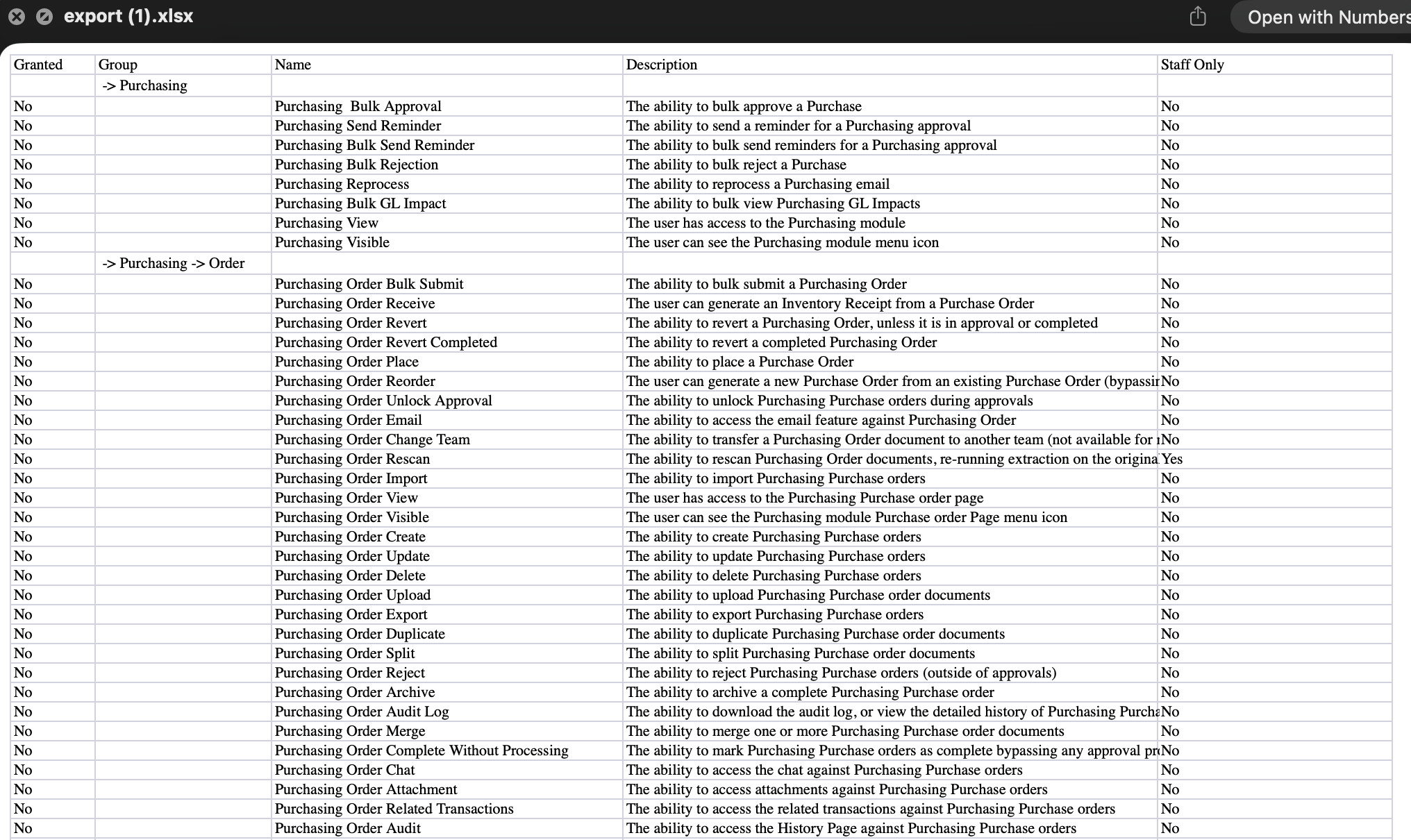
- The permissions export on a user group now has a Granted column with Yes or No against every permission, so you can see at a glance what the group allows.
Approvals
Approval automations decide who needs to sign off a document and in what order. We've added a new place a management tree approval can start from, a way to keep moving through your approvals, and a couple of gaps filled in the requests lists.
Start from the purchase order raiser
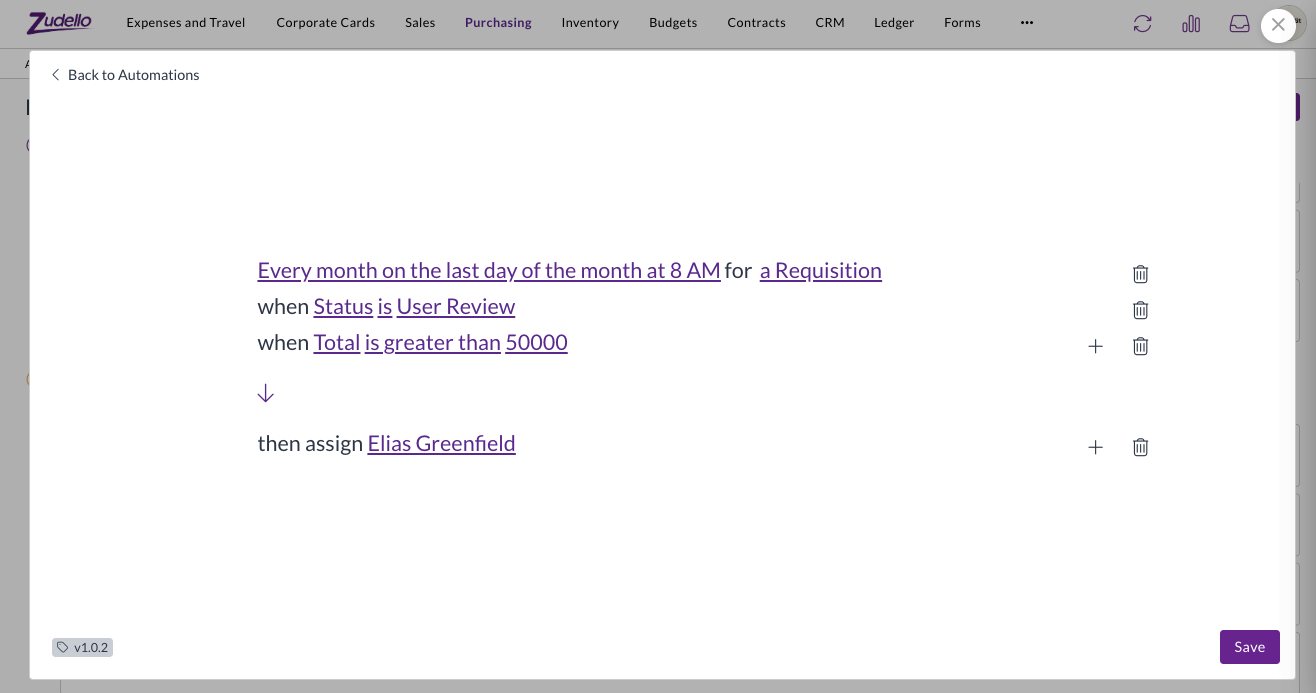
- A management tree approval can now start from the person who raised the purchase order the invoice is matched to, rather than only from the submitter or the assignees.
- Choose Purchase order raiser under Start from when you set up the automation. Where an invoice is matched to orders raised by different people, each person's tree is walked once.
Open the next document after you approve
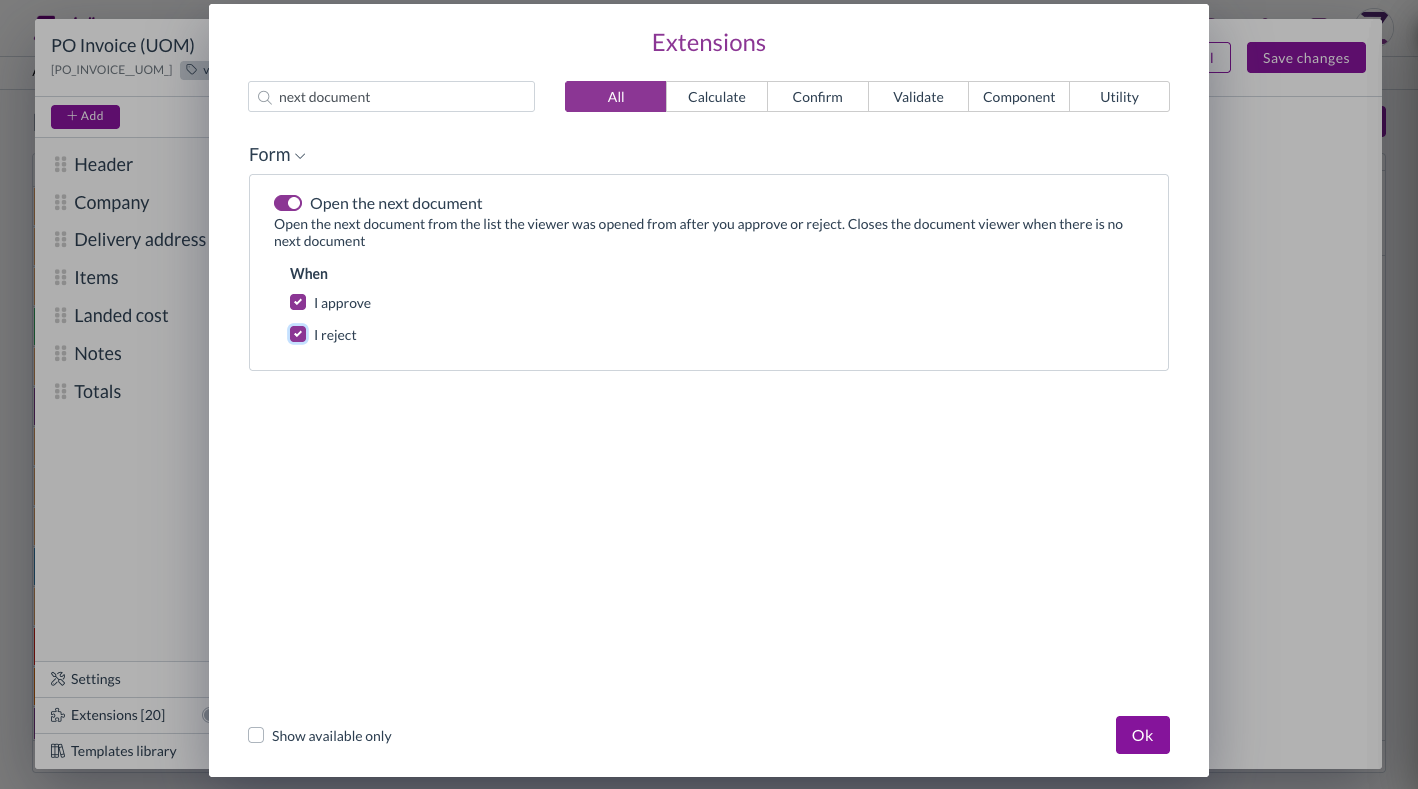
- A new form extension, Open the next document, opens the next document in your list as soon as you select I approve or I reject, and closes the viewer when there are none left.
- Add it under the form's utility extensions, next to Close the document viewer. It's off unless you add it, so nothing changes for teams that don't.
Requests lists
- Mileage claims waiting on your approval now show under Expenses in your requests, alongside expense claims.
- Requests under suppliers and customers now covers customers as well as suppliers. Switch between Suppliers and Customers in the toolbar, and approve or reject a contact straight from the list.
Validations
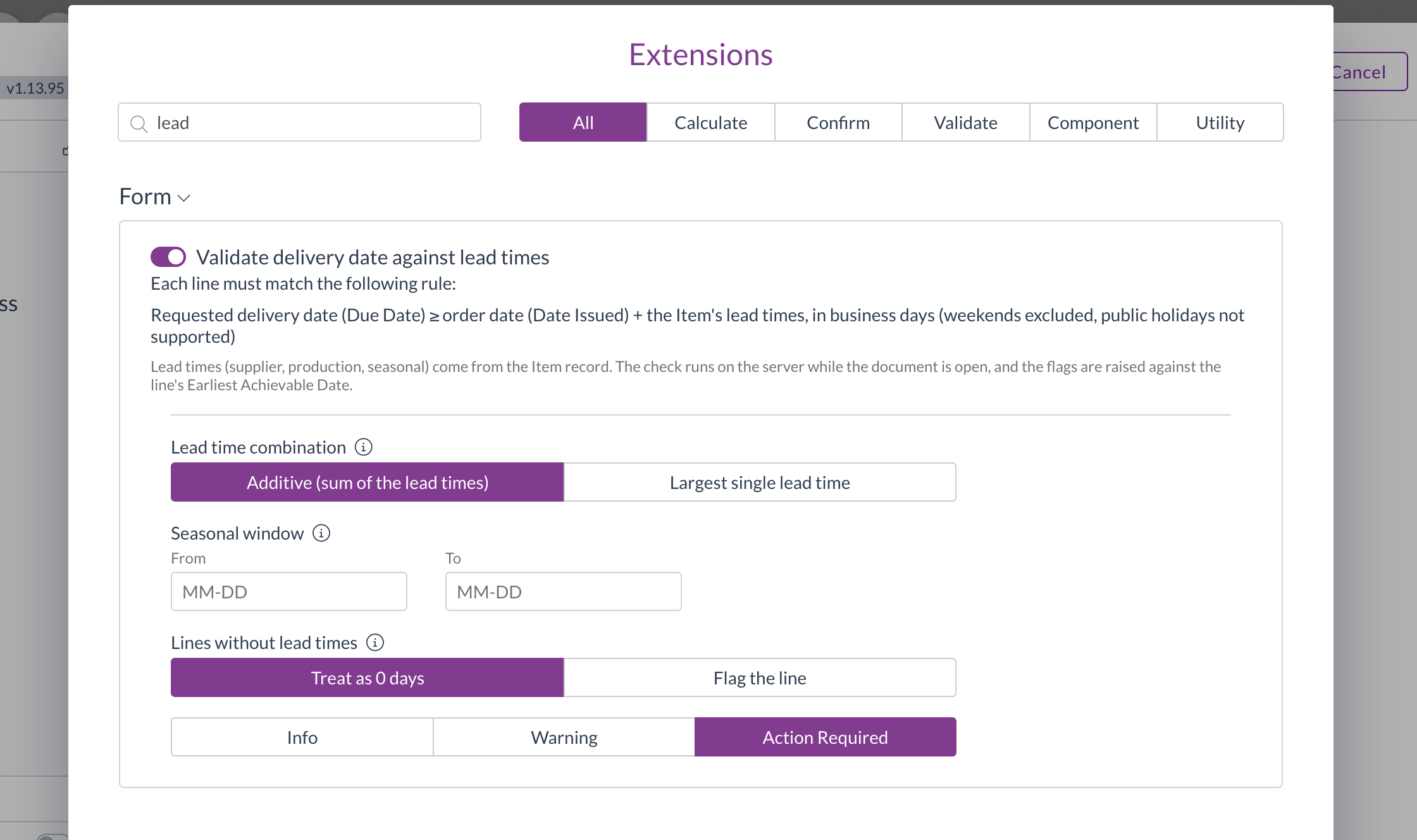
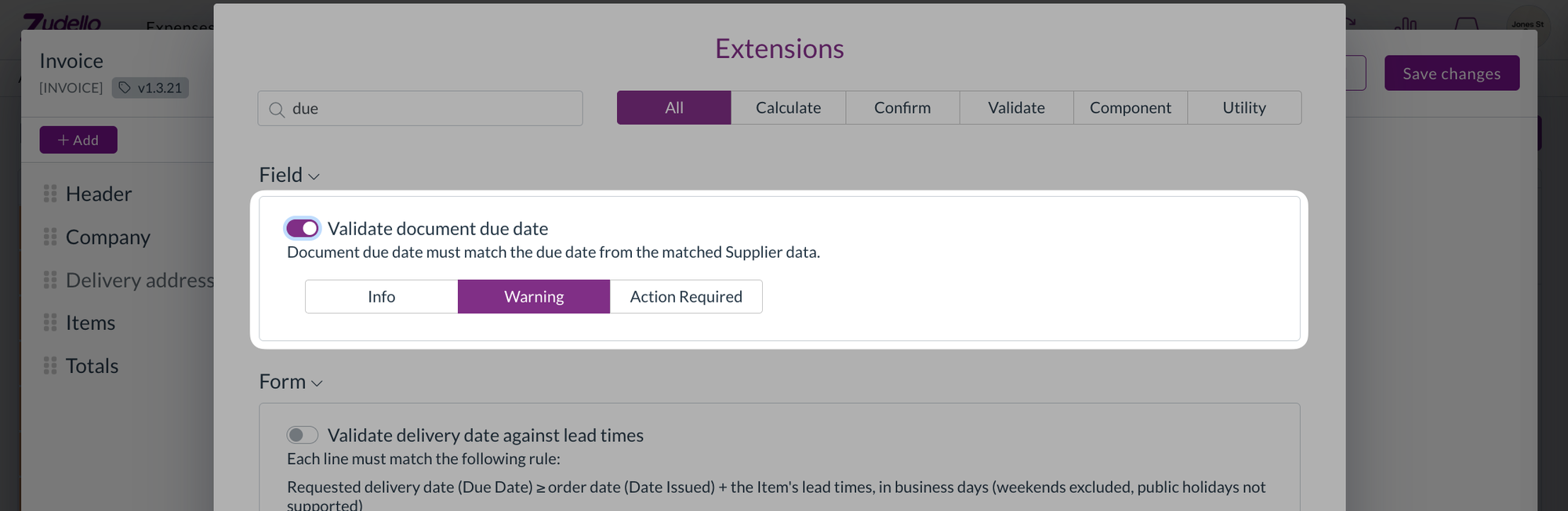
Validations check a document for problems before it moves on. The Validate document due date check compares a document's due date with the payment terms on the supplier.
- You can now choose the level of this check: Info, Warning, or Action required, the same as the delivery address checks.
- At Action required, a due date that doesn't match the payment terms is listed with the document's other blocking errors, so the document can't be submitted until it's corrected.
- Your existing configuration keeps its current level.
Dependencies
Dependencies narrow a drop-down to the values that go with what's already on the document, such as the cost centres that belong to a location.
- Mileage rate, expense category, payment method, and the other dimensions chosen by name now follow your dependencies in the same way as cost centre and location. Their drop-downs are filtered, a value that conflicts with the document is flagged, and inactive records are hidden.
Document viewer
- The Inbox tab now shows a blue dot when the document has inbox messages, the same as the related documents, attachments, and chat tabs. It updates after you email the document.
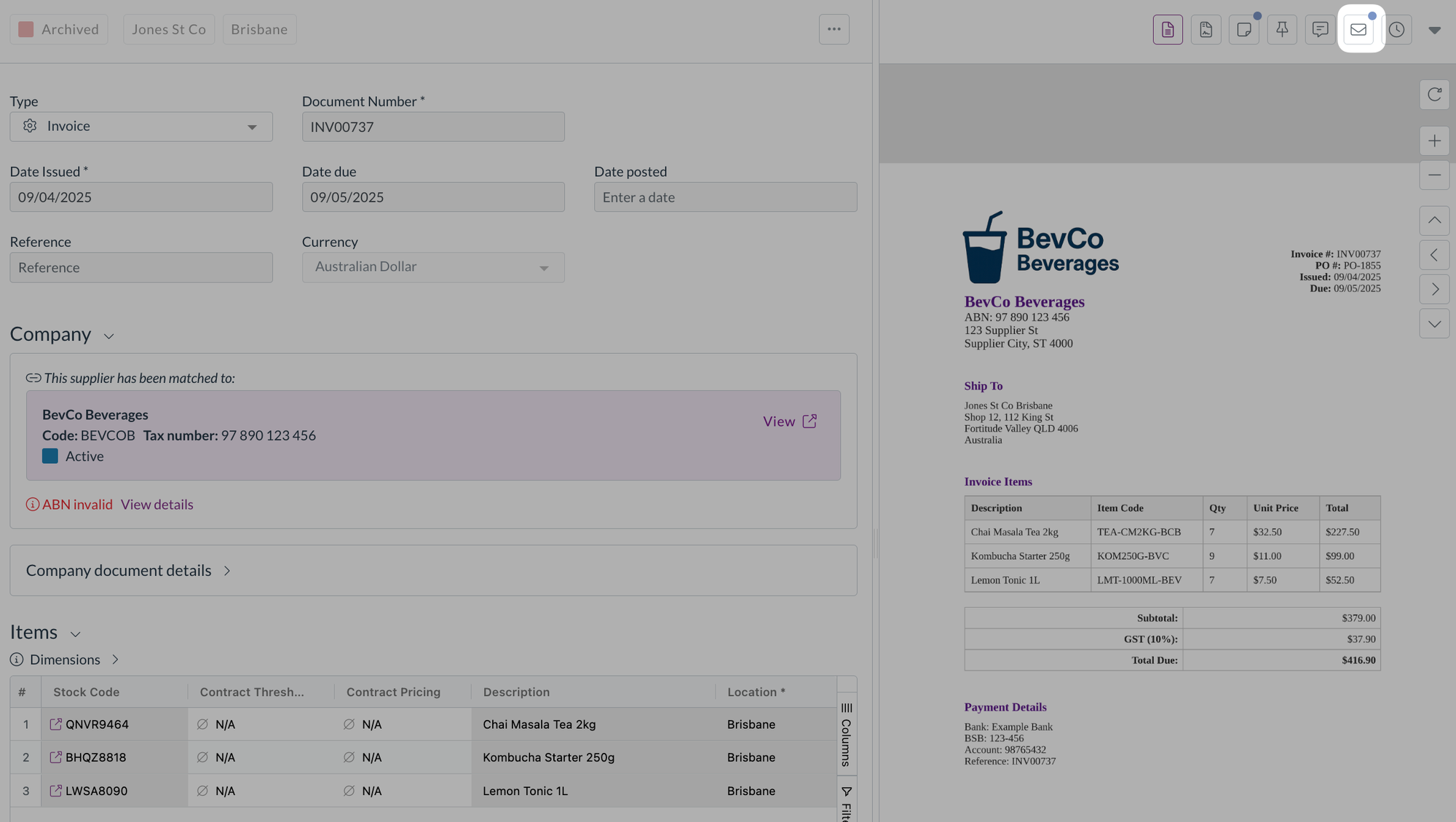
- The Inbox tab is now available on documents that are still scanning or unclassified, so you can open the email a stuck document came from.
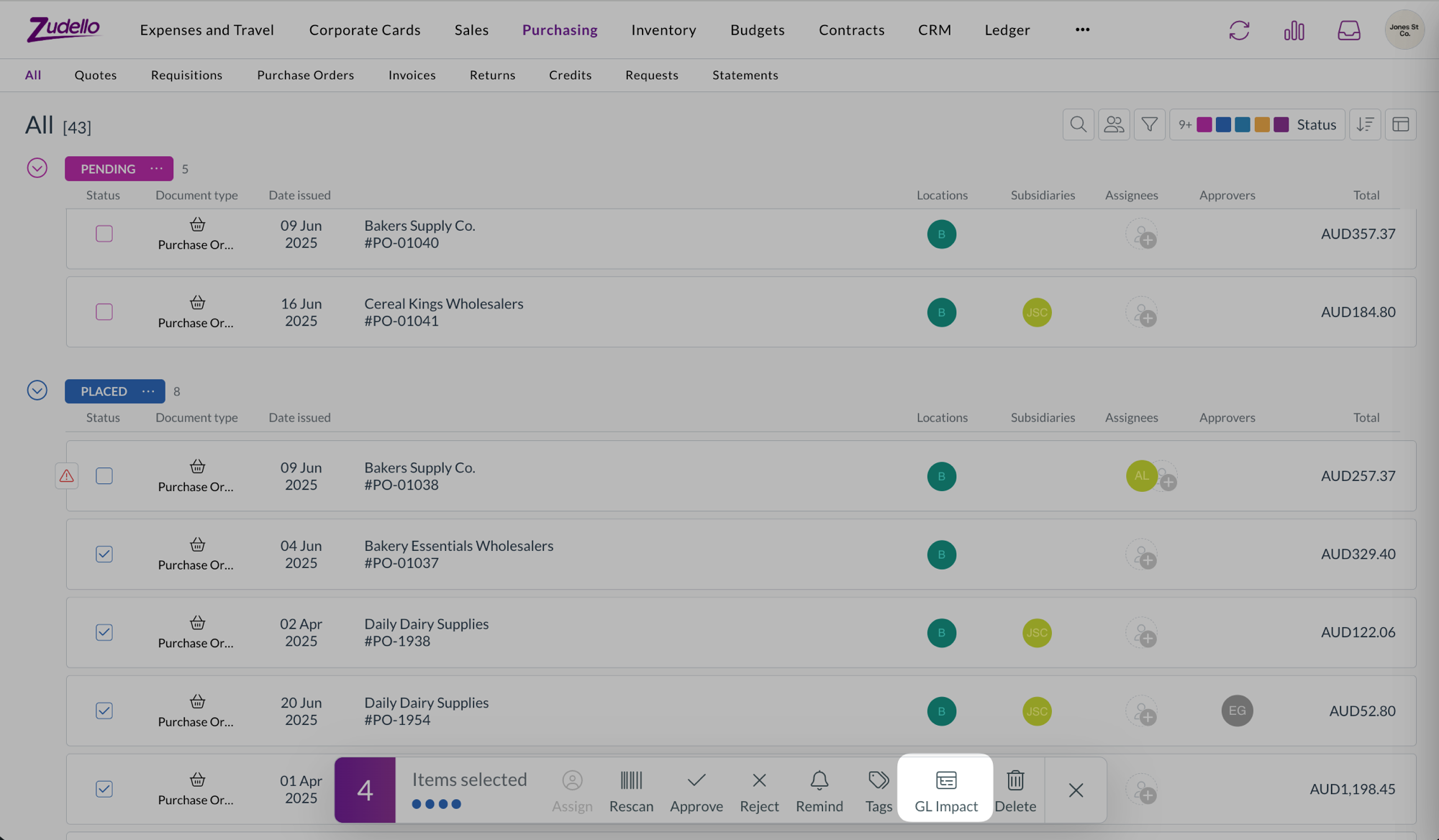
- Selecting documents in a list now stops at 100 everywhere. Select all and the header checkbox stop at 100 with the same message as shift-click, and Select all picks the first 100 regardless of how far you've scrolled.
Contracts
- Superseded documents under a contract's Related documents now show their version number, such as Version 2, with the newest first. Documents superseded before this release show a plain Version badge.
Budgets
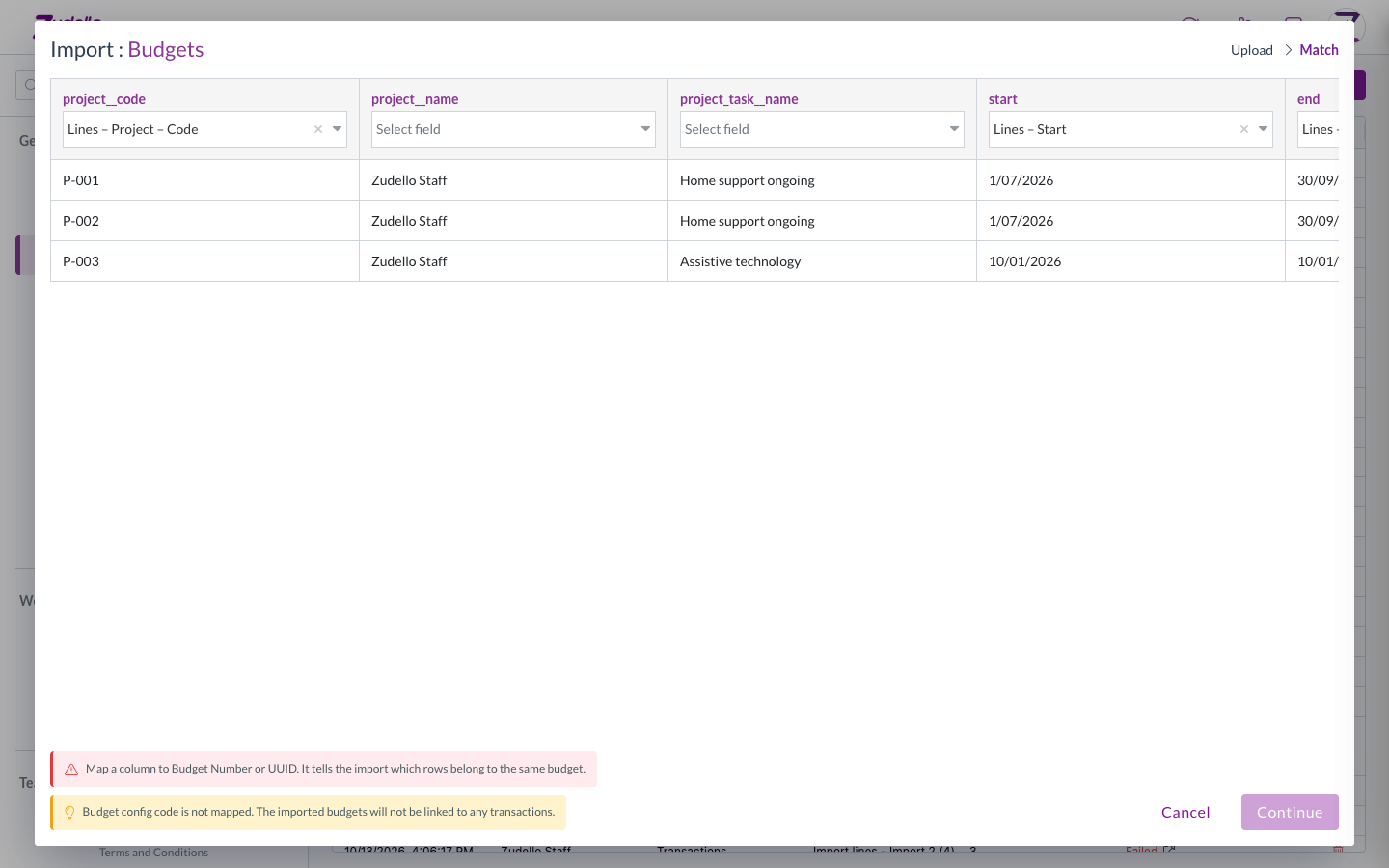
Budget imports match each row to a budget using a budget number or ID. If no column was mapped to either, every row failed with the same message after the import ran.
- The Match step now keeps Continue unavailable until a column is mapped to Budget number or UUID, and tells you why.
- A warning shows when no column is mapped to Budget config code. It doesn't stop the import.
Reporting
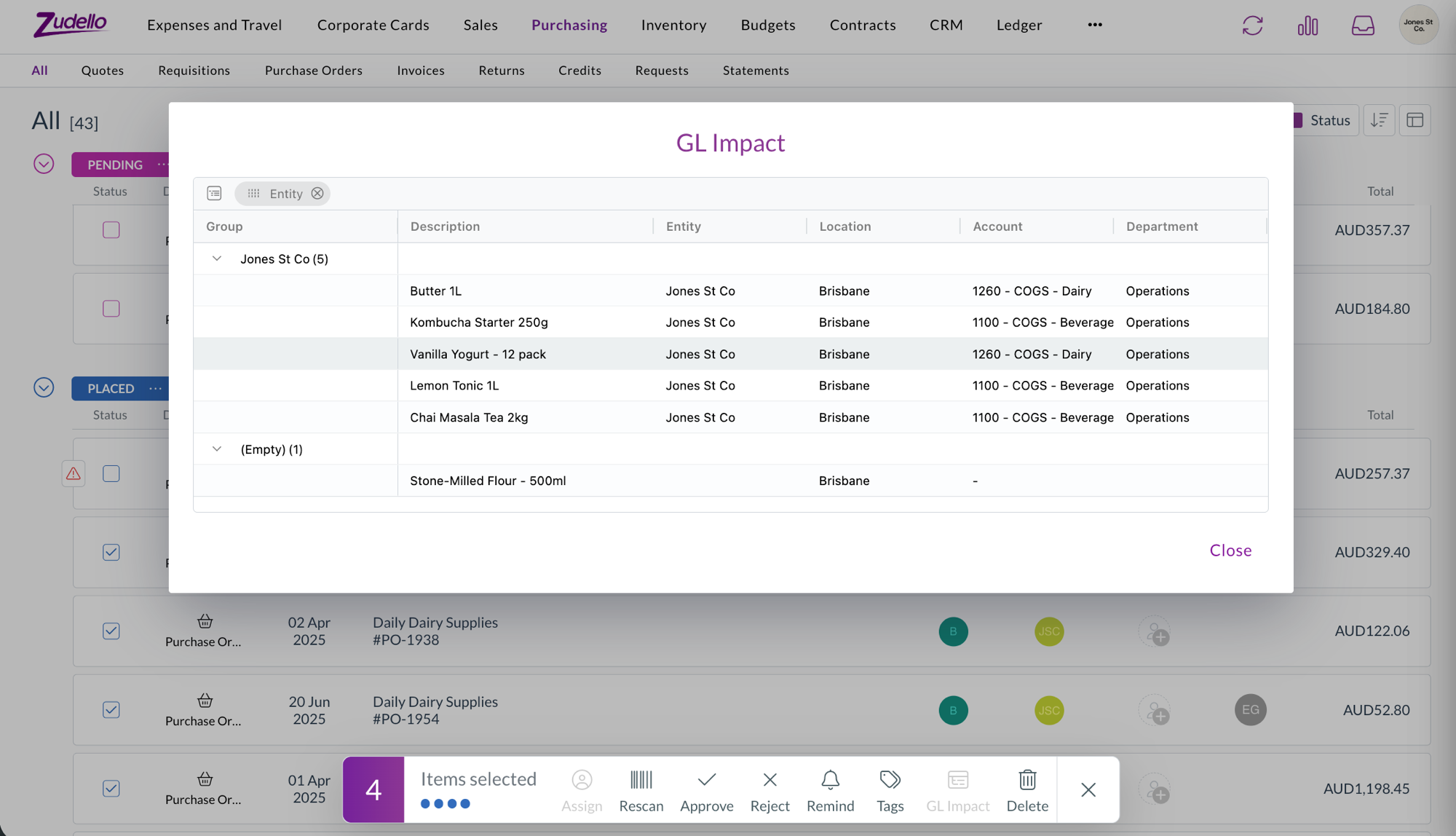
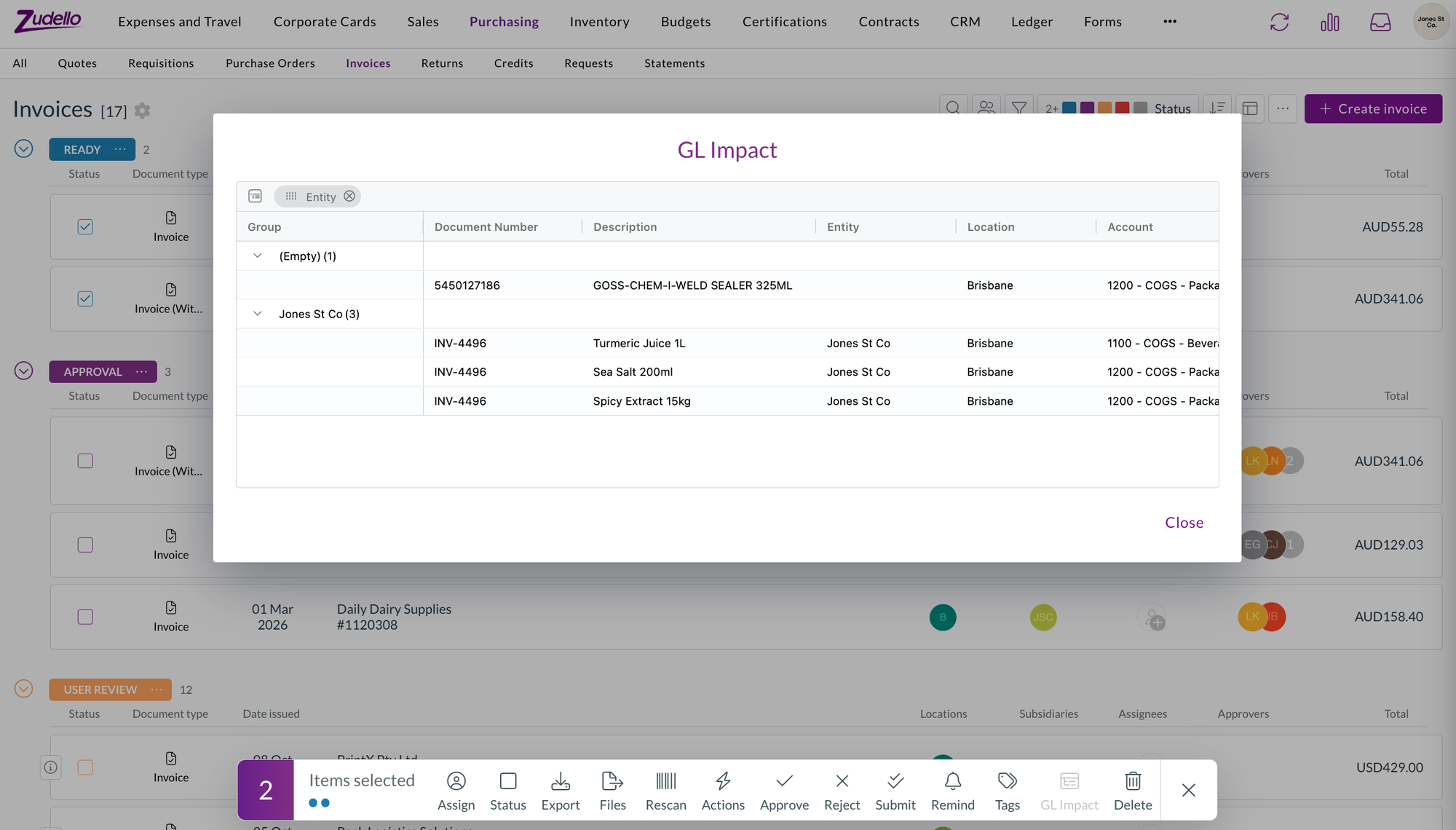
- GL impact now has a Document number column for transactions, which you can group by. Contracts don't have a document number, so they're unchanged.
Suppliers and customers
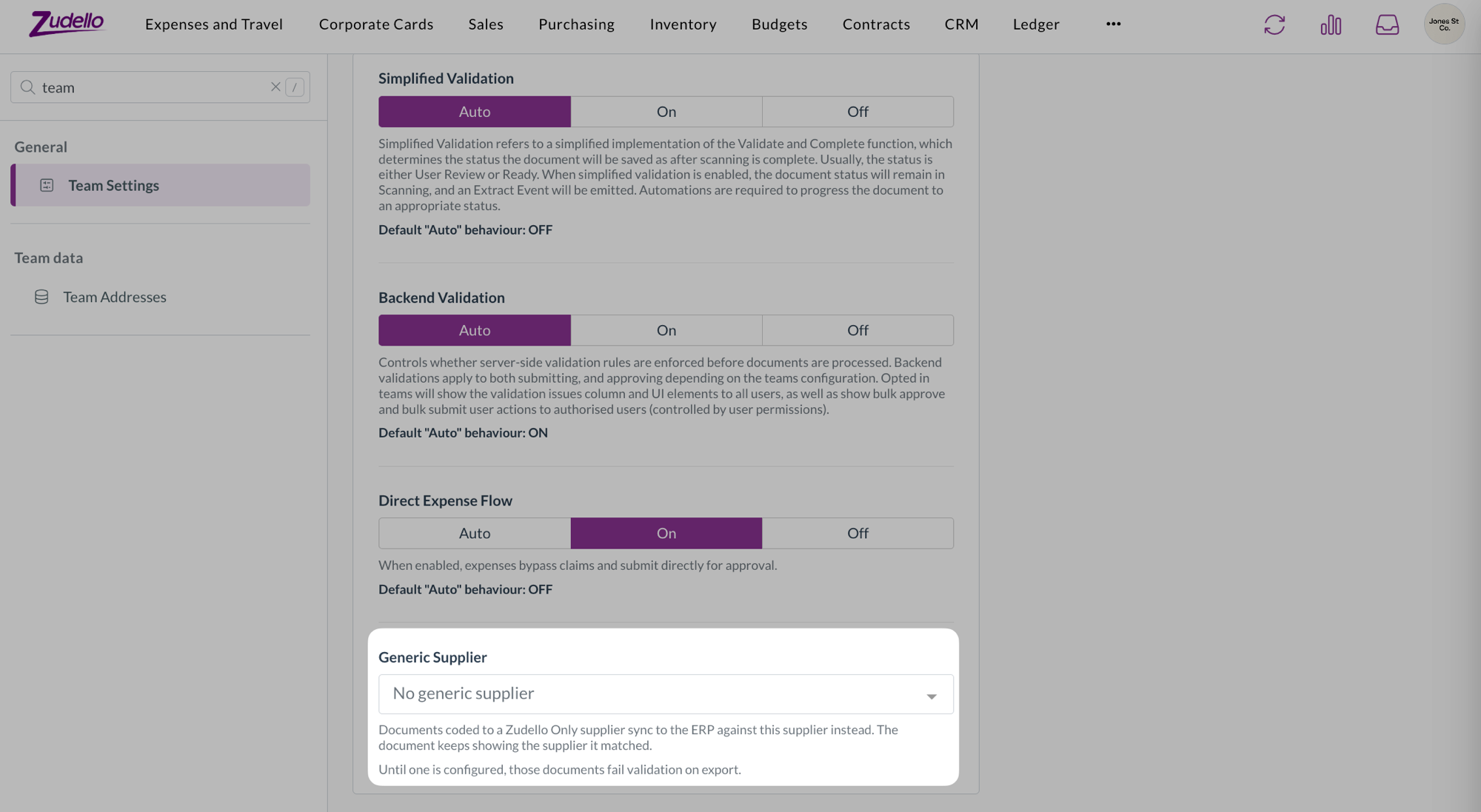
- A supplier or customer you add from a document's contact field now takes the creation status you've set for that contact type, rather than being created as Active straight away. If your team creates contacts as Draft, they go through your usual review and approval first.
Performance
- Zudello's first load is about a third smaller. The form settings, email, and reconciliation windows are now loaded when you open them, and some shared code no longer pulls in large libraries up front.
- If you have Zudello open while this release goes out, the first time you open one of those windows may show a loading error. Reload the page and it'll be fine from then on.
New UI
We've kept building out the new interface at platform.zudello.io. Everything above is available there as well.
The changes in this section are available in the new UI only.
Group membership matrix
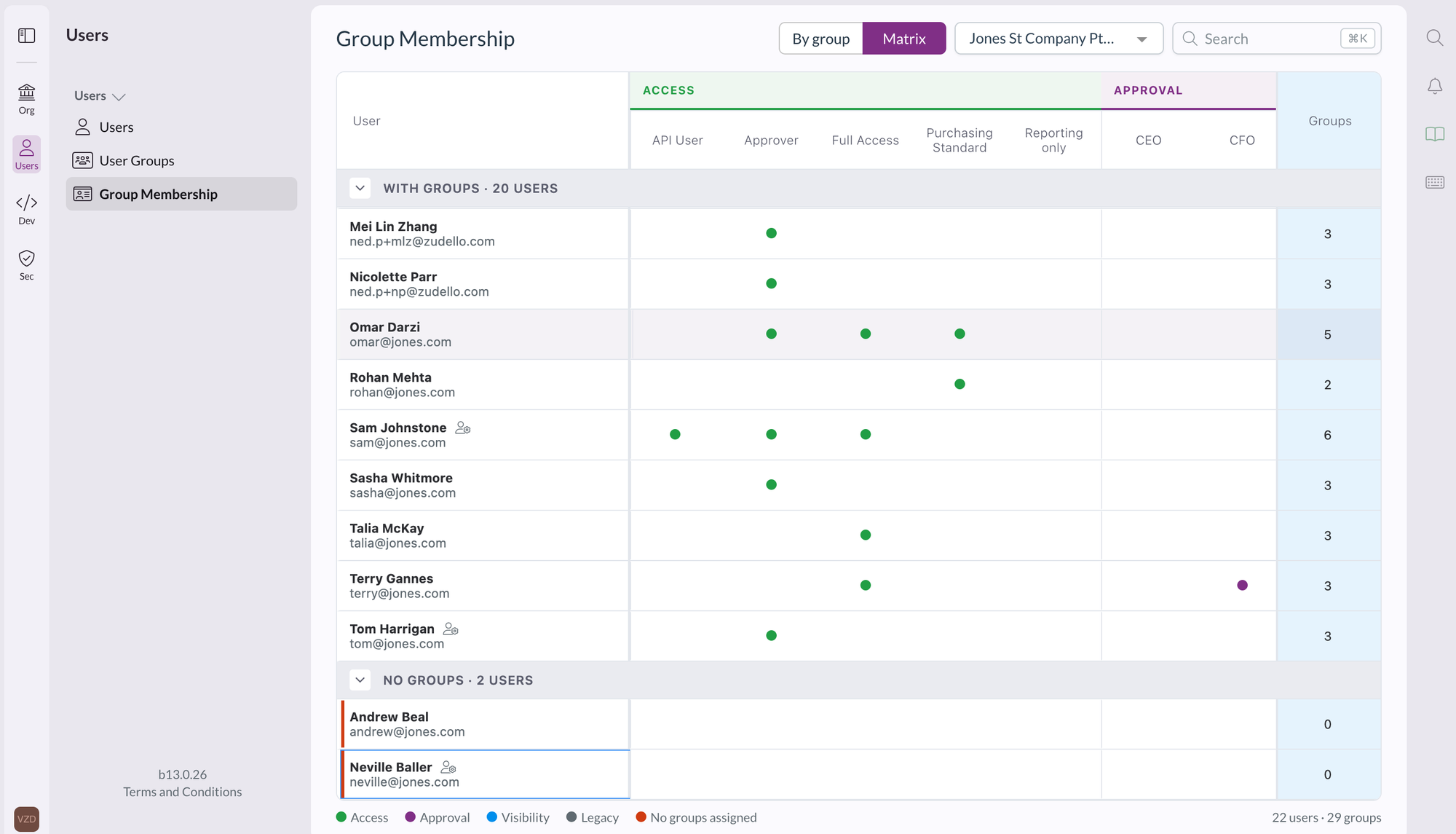
- Group membership has a new Matrix view next to By group, with users as rows and groups as columns, grouped under Access, Approval, and Visibility. A dot marks each membership, and users in no groups get their own section.
- Filter by team, search, reorder columns, and export the matrix to Excel. Hovering a cell highlights its row and column.
Prepayment schedules
- Prepayment schedules are now a dimension in Settings, then Data, with their own statuses, document types, data permissions, and renaming in your team language. You can use them in form value lists, document coding rules, and the allocations extension, and lines pick up the prepayment schedule from the item, supplier or customer, and employee.
Grid filters
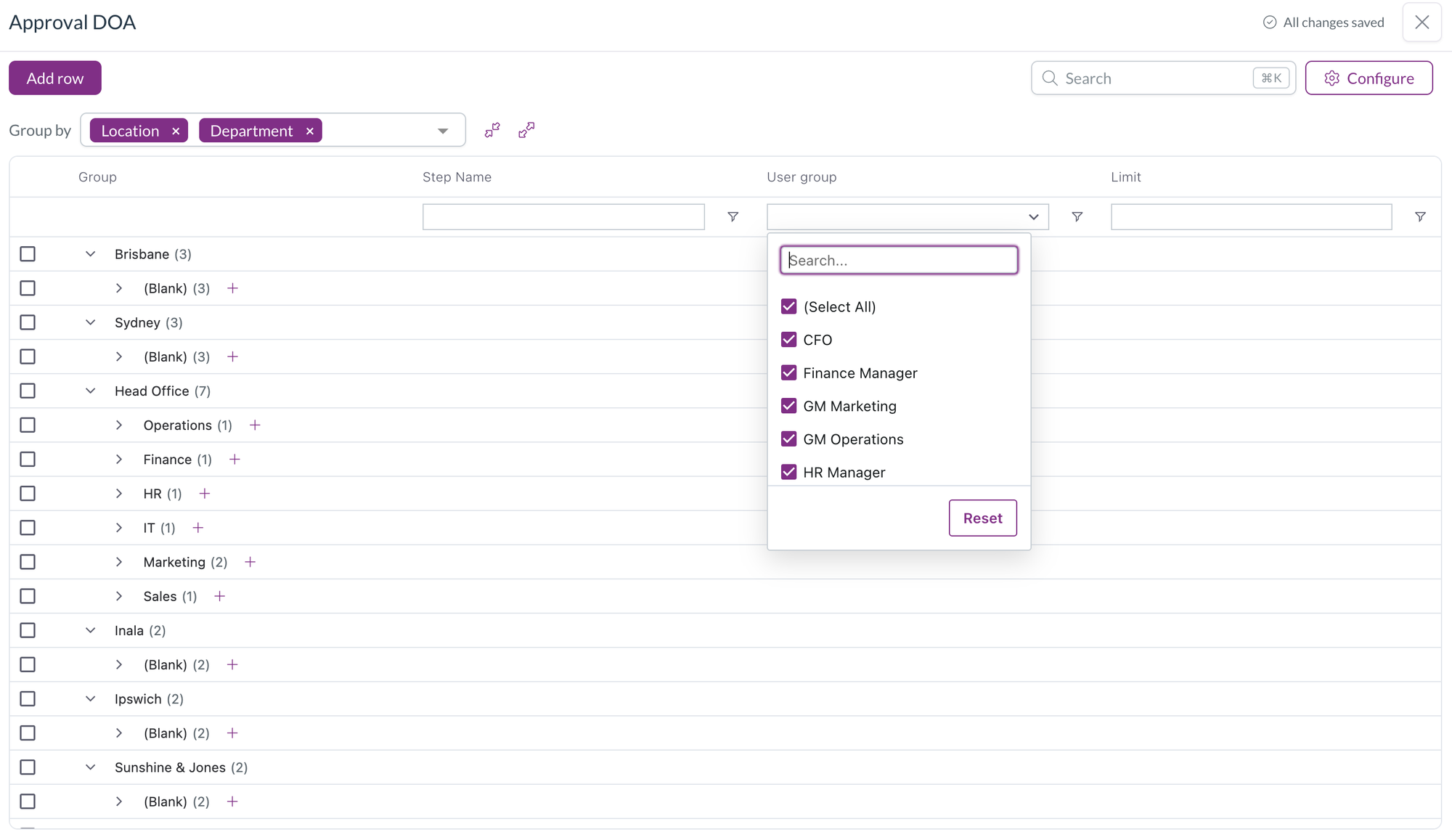
- The grey filter boxes above a grid are now drop-downs you can select, and each filter list opens under its own column.
Field manager
- Option lists that Zudello defines, such as the statement line document type, are now read-only in the form editor and field manager, so they can be used as filters but not changed.
- Your own option lists get a checkbox on each row. Remove selected removes the rows and saves the field, and the list grows with its rows, up to ten, before it scrolls.
Resolutions
We're constantly working to refine Zudello's functionality and address any issues as soon as possible. As part of this release, we've made the following resolutions:
- We've fixed Uploaded document in the document viewer downloading the file instead of showing it, so you can highlight and copy text from the original again.
- Bank account validation no longer flags letters in a BSB. Suppliers who store a SWIFT code in the BSB field are no longer blocked at review.
- We've fixed a contract's approval being reset when a new document version was promoted to its primary document.
- We've fixed the card section of the approval digest listing transactions that were already reconciled. Its View all link now opens the list filtered to your unreconciled transactions.
- We've fixed bulk updates through the API reporting a failure when the documents had validations on them.
- We've fixed a file dropped onto a document list opening in a new browser tab instead of uploading when the list was refreshing, and the same problem in Chrome on a Mac.
- We've fixed tax-inclusive scanned invoices being given the wrong tax-inclusive setting and subtotal, which put tax on top of the total.
- We've fixed a line's tax amount being cleared when the line had a tax amount entered but no tax rate linked. The amount you entered is kept.
- We've fixed automations set to run when a document is converted firing before all of the converted document's lines were written.
- We've fixed automations with a reconciled trigger, on transactions or payment disputes, never running.
- We've fixed a contract's value in your home currency not being recalculated when the contract was edited.
- We've fixed line and document totals not updating after choosing a unit of measure or editing a converted quantity or price, and a converted quantity edit setting the unit price to zero.
- We've fixed landed cost lines being counted when working out a document's dimensions, which showed Multiple on items dimensions and header badges. Setting a dimension on a section's lines now updates only that section.
- We've fixed corporate card expenses being left out of the check that stops an unreconciled expense being submitted.
- We've fixed card reconciliation crashing and leaving stray connection lines after a quick refresh.
- We've fixed an error when a statement reconciliation was closed while it was still loading, and the "Error while fetching remote item statuses" message when another statement was opened at the same time.
- We've fixed a chat message containing only a pasted screenshot showing "Please enter a message or attach a file" instead of being sent.
- We've fixed indented lists and centred or right-aligned text losing their formatting in emails sent from Zudello, including rejections, place order emails, and inbox replies.
- We've fixed date fields disappearing, with an error on the page, after a date field was redrawn, such as after switching Force overwrite on a default date in form settings.
- We've fixed module-level permissions showing under an unnamed group in the user group permissions grid instead of under their module.
- We've fixed the field to scan and the target field in a document coding rule not offering fields that only contracts have, and the target value showing an ID instead of the item SKU.
- We've fixed the budgets information pop-over closing when you selected its icon and not opening again on hover.
- We've fixed long field labels overlapping the next row in export template field pickers.
- We've fixed Document Studio showing "Failed to fetch team settings" for users who aren't admins.
- We've fixed adding an existing user to another organisation failing.
- We've fixed the "Could not find any first approver" message being recorded as an error when a delegation of authority rule was skipped on purpose.
- We've fixed, in the new UI, windows opened from inside the document viewer, such as reject, resolve duplicates, and create dependency, opening behind the viewer on some screens.
- We've fixed, in the new UI, the submodule search in Create status finding nothing.
Have an idea?
Do you have an idea for a new feature or how we can improve our current features? Let us know at support@zudello.com.
Your ideas and feedback are an important part of our product planning process to make Zudello better for everyone.