Contract pricing
Negotiating prices with suppliers only saves you money if future invoices are checked against those prices. Contract pricing takes care of the checking for you, recording the rate you agreed for each item and Zudello comparing it against every transaction line that uses the item.
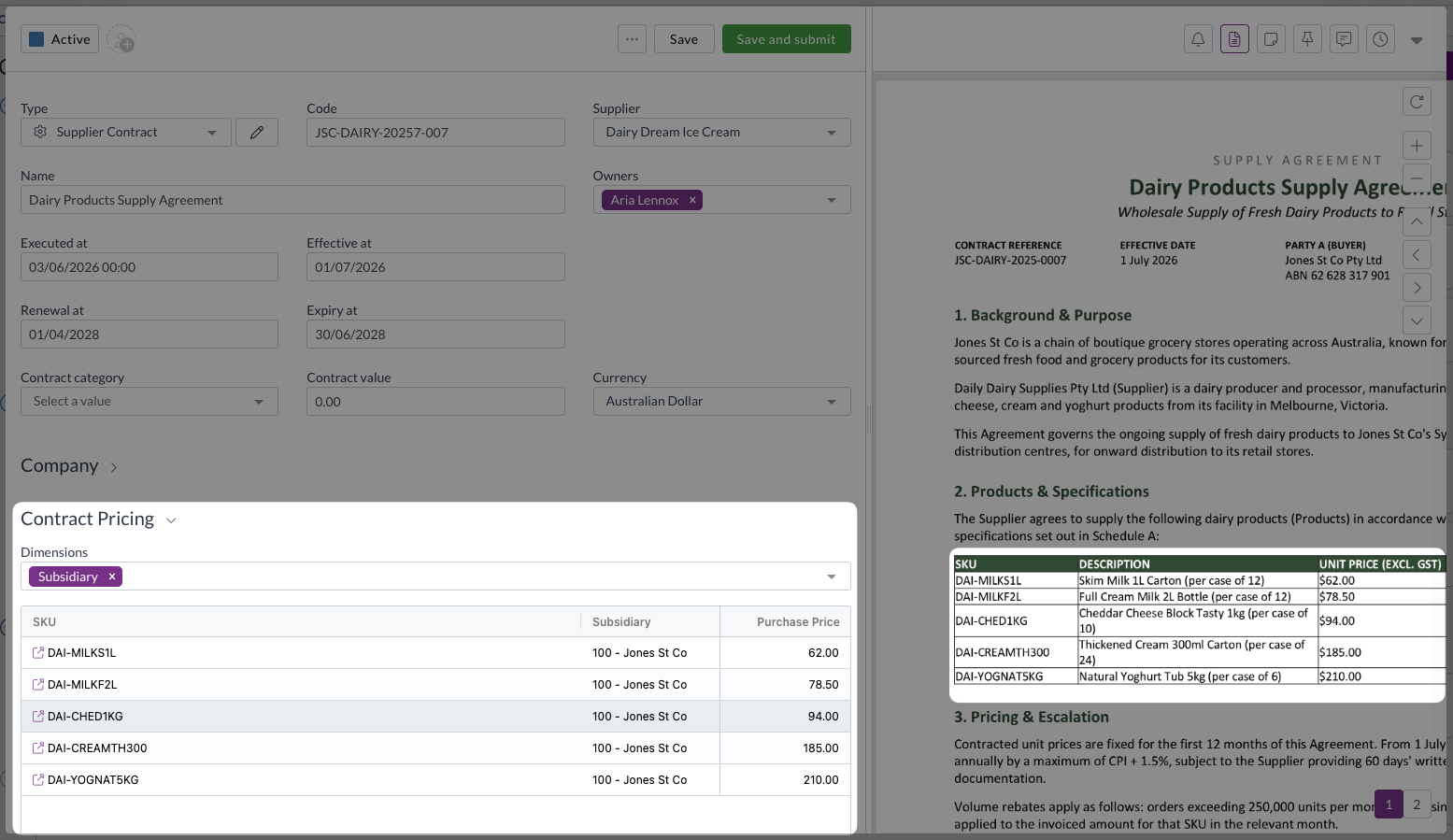
Components of contract pricing
Each contract pricing row is built from a few parts:
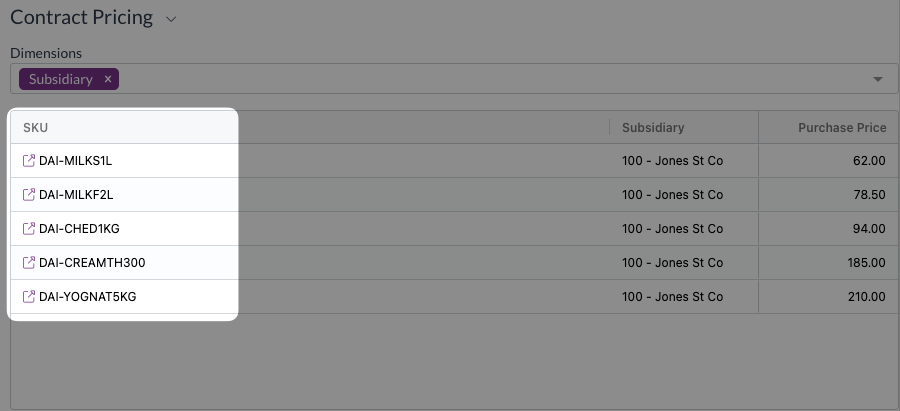
- SKU: the catalogue item the pricing row applies to. A row can be created with text only, but it won't be price checked unless it's matched to an existing or new SKU/stock code.
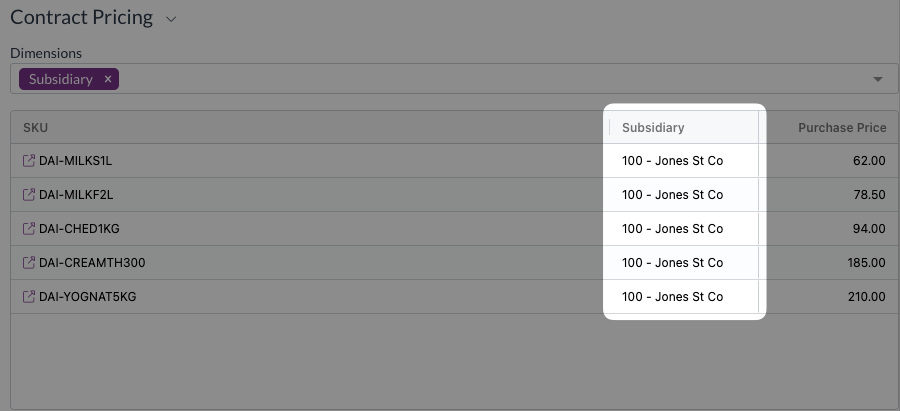
- Dimensions: optional columns (e.g. location or project) you add using the Dimensions picker when the negotiated price varies by more than just the item. Add dimensions only where the price genuinely differs by that dimension.
- Purchase Price and Sell Price: the negotiated rate(s) for the item. At least one of these must be entered on a row.
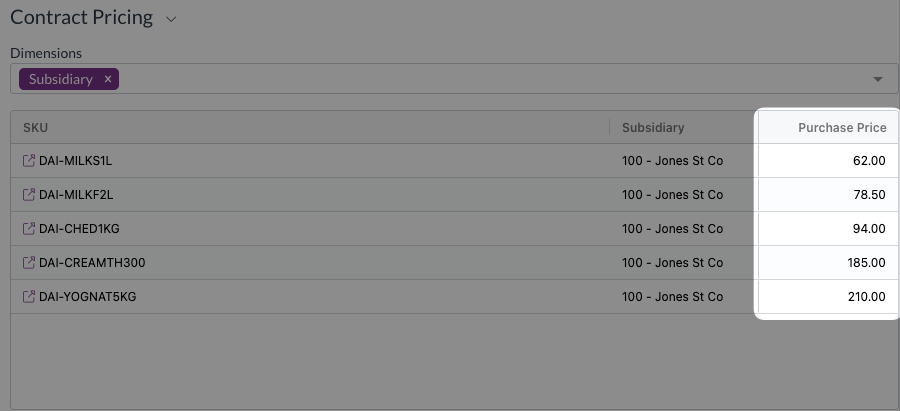
Purchase price or sell price
Purchase Price should be used when the contract is with a supplier, and Sell Price when it is with a customer.
Zudello uses this same split when checking documents.
- Documents in the Purchasing, Expenses and Inventory modules are compared against the Purchase price on a contract.
- Documents in the Sales module are compared against the Sell price on a contract.
Viewing and editing contract pricing
Viewing contract pricing
To view pricing for a contract:
- Open the Contracts module.
- Click the Contracts submodule.

- Browse or search to find the contract you want to view, and click to open it.
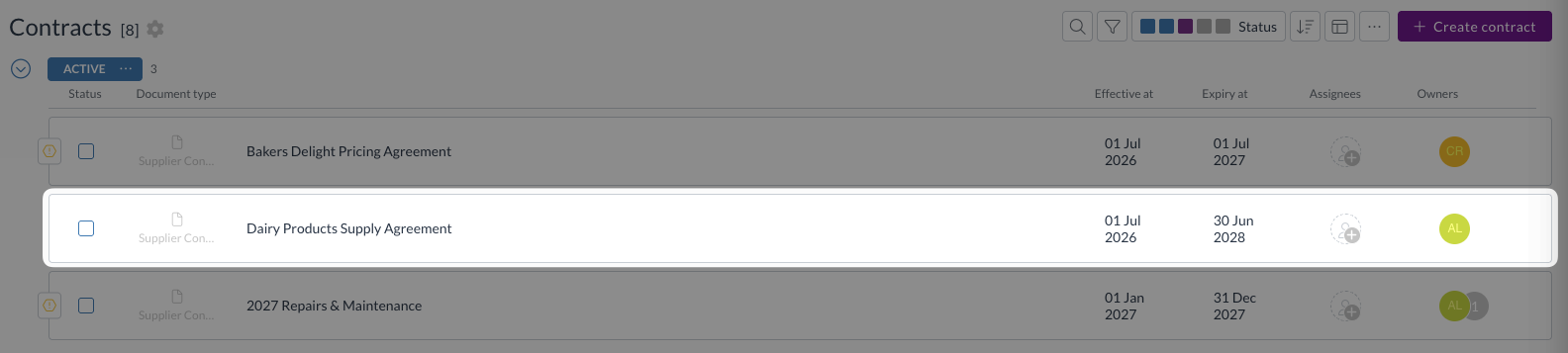
- Scroll down to Contract Pricing.
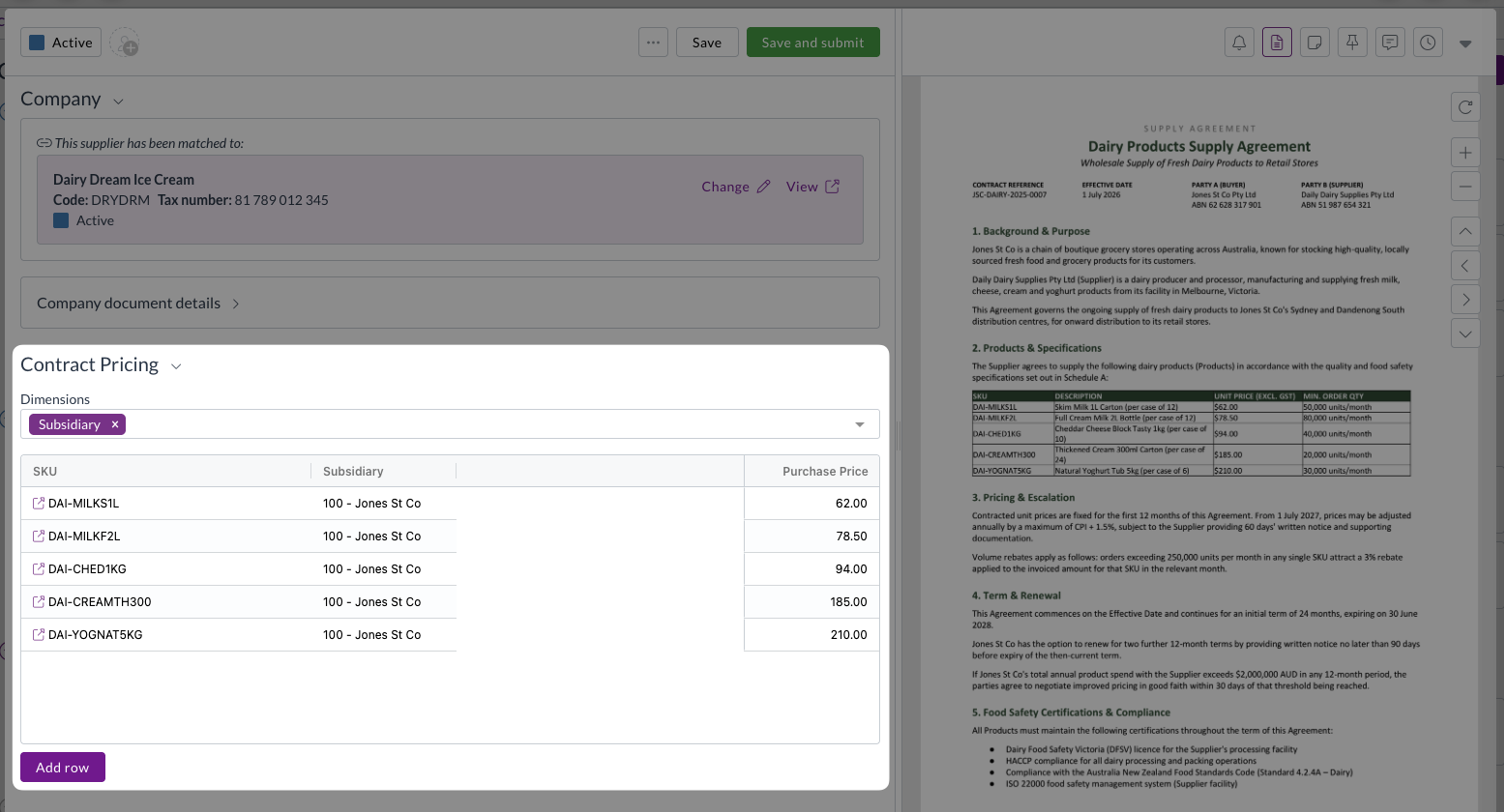
- Each contracted stock code is listed in a separate row, along with pricing and any relevant dimensions that apply.
Extracted pricing
When you upload a contract that lists prices against stock codes, Zudello creates the pricing rows for you. Each extracted stock code is matched to your catalogue by trying to find:
- An exact match on the item's SKU
- The SKU with spaces and dashes removed
- The item alternatives recorded for that supplier or customer
- The item's barcode
Adding pricing rows
To add a new pricing row:
- Open a contract and scroll down to Contract Pricing.
- Use the Dimensions picker to select any dimension columns that apply to the negotiated pricing. Each dimension you select becomes a column in the grid.
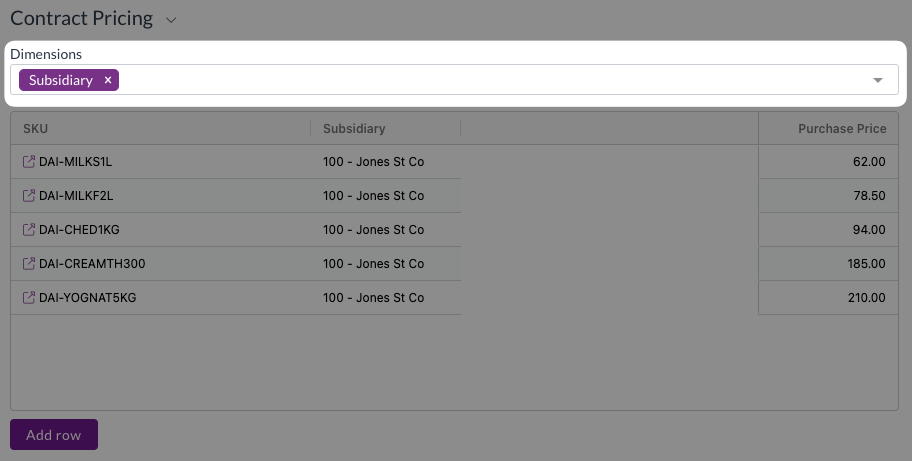
Add dimensions only where the price differs by location, project or some other dimension.
Otherwise, leave the dimensions blank.
- Click Add row.
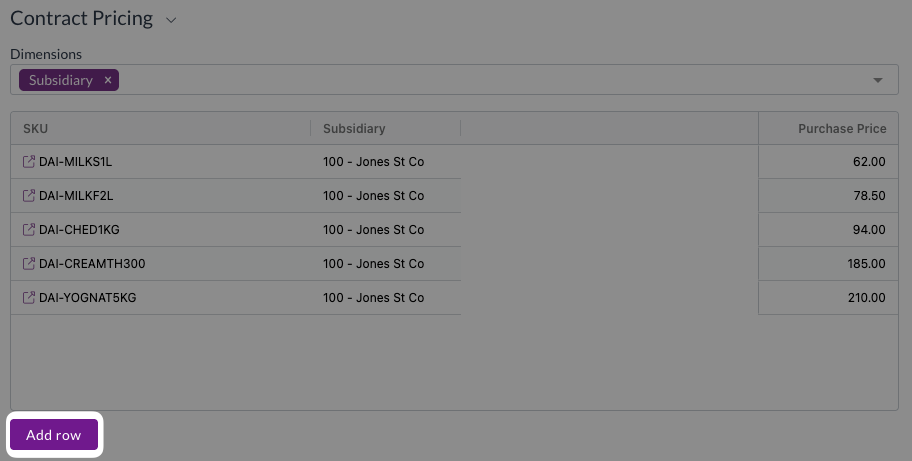
- The new row will be added at the bottom.
- Double click the SKU cell, then search for and select the item you want to add pricing for.
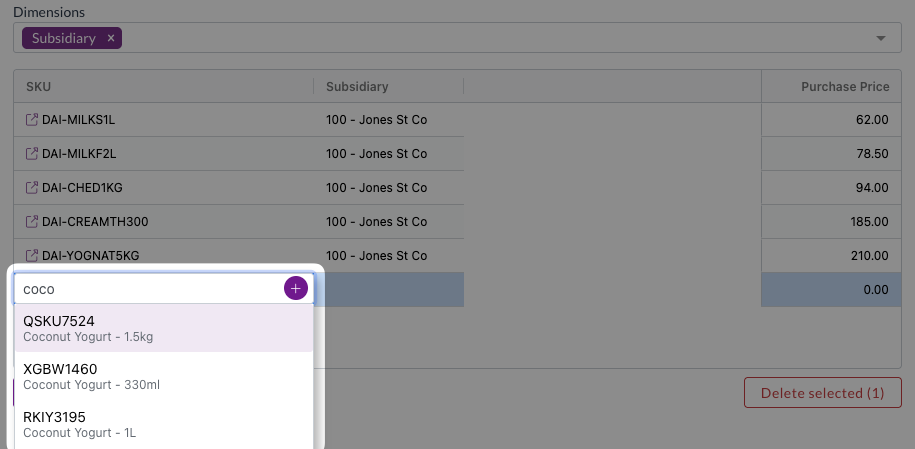
Ensure that you select an existing SKU, or create a new SKU, for every contract pricing row.
- Enter the Purchase Price or Sell Price.
- Select any dimension codes that apply.
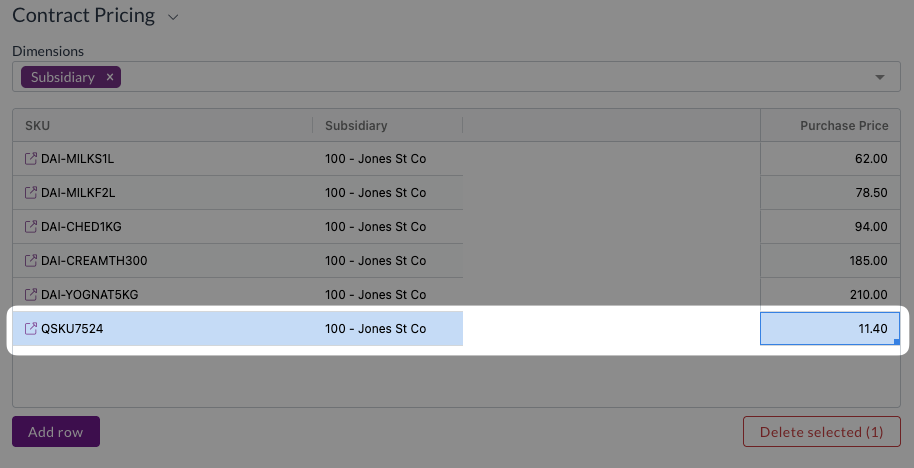
- Repeast steps 3-6 for each additional pricing item.
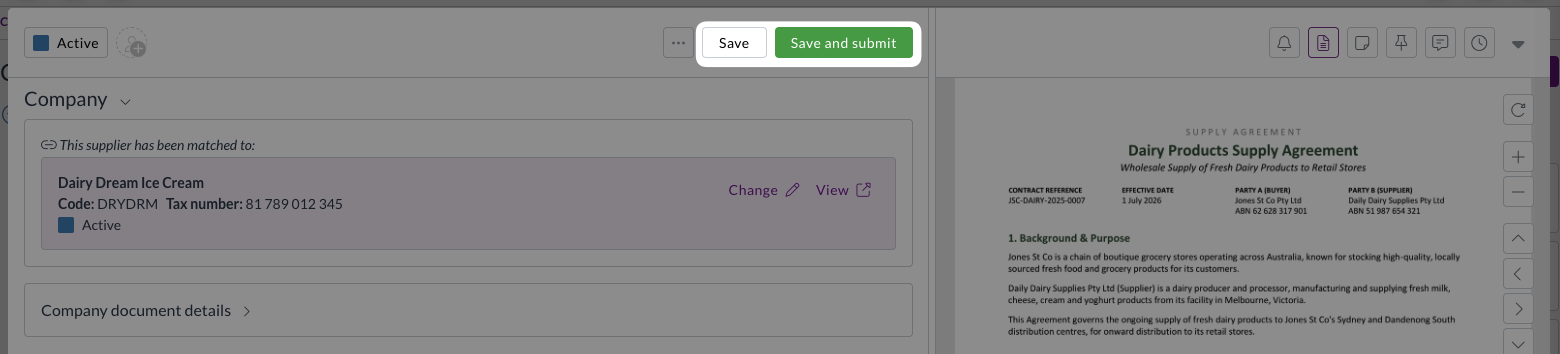
- Once you have added all required contract pricing items, click Save or Save and submit.
Editing pricing rows
To edit an extracted or existing pricing row:
- Open a contract and scroll down to Contract Pricing.
- Make any required changes to the existing pricing rows.
- Click Save or Save and submit.
To remove a pricing row:
- Open a contract and scroll down to Contract Pricing.
- Select any rows to be removed.
- Click Delete selected.
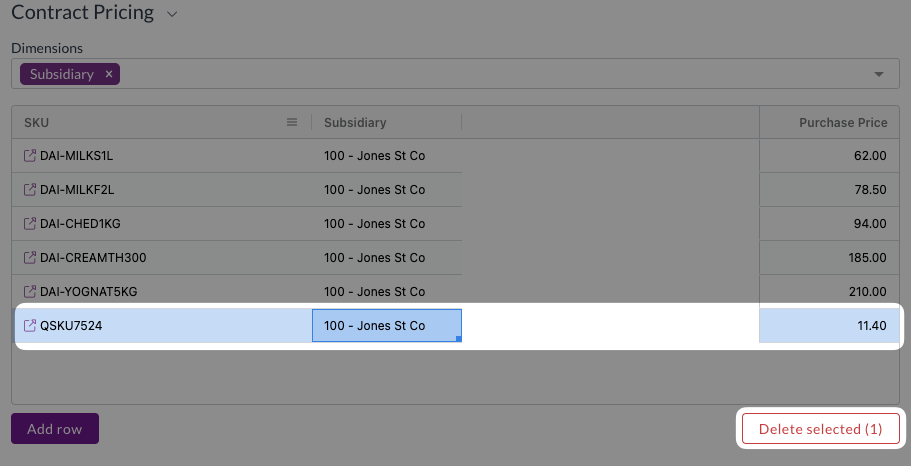
- Click Save or Save and submit.
Removing a dimension from the Dimensions field clears that column's values from every row in the grid, and it cannot be undone. Only remove a dimension if it is no longer required on any contract pricing rows.
How the price check works
Zudello performs a price check when all of the following are satisfied:
- The contract's status type is Active
- The contract and the document are matched to the same Supplier or Customer
- The document's date falls between the contract's Effective Date and Expiry Date
- The catalogue item on the document line is included in the contract's Contract Pricing section
Where several pricing rows on the contract could match, the most specific one wins, meaning the row with the most matching dimensions.
When all if those requirements are met, Zudello compares the transaction line's unit price (tax exclusive) against the contracted price and gives the line one of four statuses:
| Status | Meaning |
|---|---|
| Within contract | The line is priced below the contracted price |
| On contract | The line matches the contracted price |
| Over contract | The line is priced above the contracted price |
| N/A | No contract price applies to this line |
The comparison uses the line's unit price exclusive, which is worked out when the document is saved. A price you have just typed may show N/A until you click Save.
For further details about what your team sees on an invoice or an order, and what happens when a line is over contract, see Contracts on transactions.
Contract pricing and price books
Both features control what you pay, and they can be used together.
- Price books are the general tool for managing pricing across customers, suppliers and dimensions.
- Contract pricing ties a price to a specific agreement, with its own dates, owners and approval trail, and it feeds the contract exception flow.
Where item price validation is turned on, contract pricing for an item takes precedence over any price book price.
Need help?
Contact your organisation administrator or Zudello support for assistance with contract pricing.