Navigating corporate cards
The corporate cards module is where you reconcile corporate card transactions with their supporting receipts and expenses. This guide explains how to navigate the module and find the transactions you need to work on.

Accessing corporate cards
To access corporate cards, click Corporate Cards in the modules menu.
Depending on your role, you'll see some or all of the following submodules:
| Submodule | Purpose |
|---|---|
| Expenses | This submodule contains all of the expenses you've uploaded, including those that need review, those that are awaiting approval, and completed/archived expenses. |
| Reconciliation | Your reconciliation workspace. This is where you reconcile card transactions against expenses. |
| Requests | If you're an approver, this is where you can find a list of all expenses that require your approval. |
For corporate card reconciliation, click on the Reconciliation submodule.
Reconciliation submodule
The reconciliation submodule displays a list of all unreconciled card transactions. Within Zudello, these transactions are called payments.
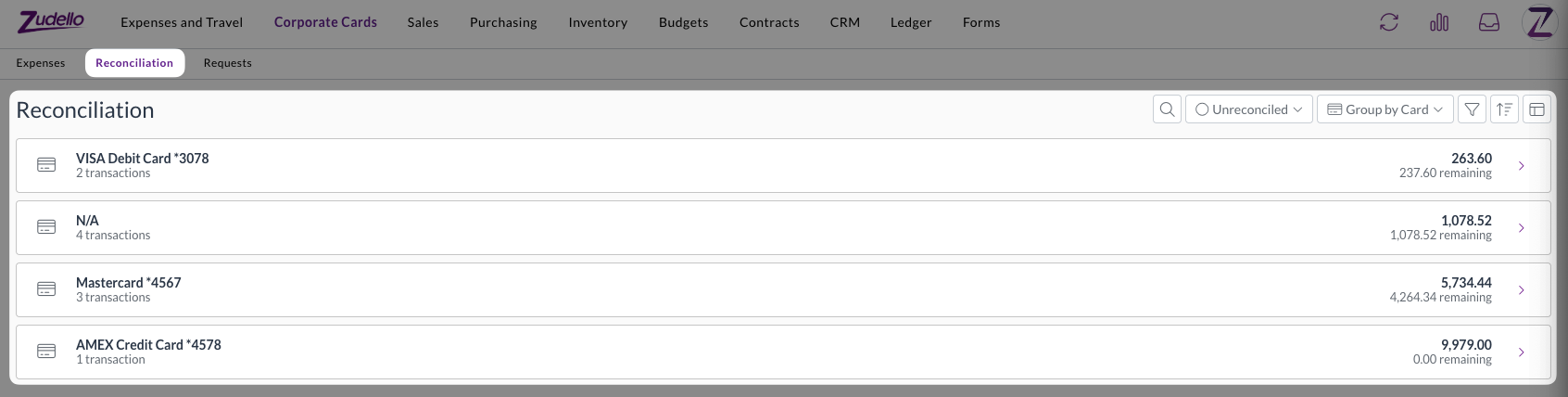
The Group by filter lets you choose how the payments are grouped.
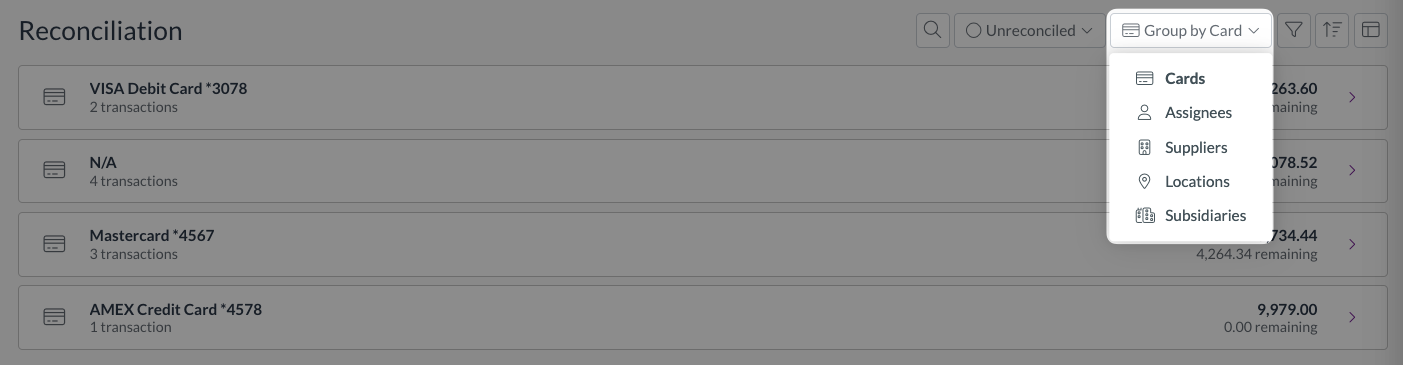
Available options are:
- Cards (default)
- Assignees
- Suppliers
- Locations
- Subsidiaries
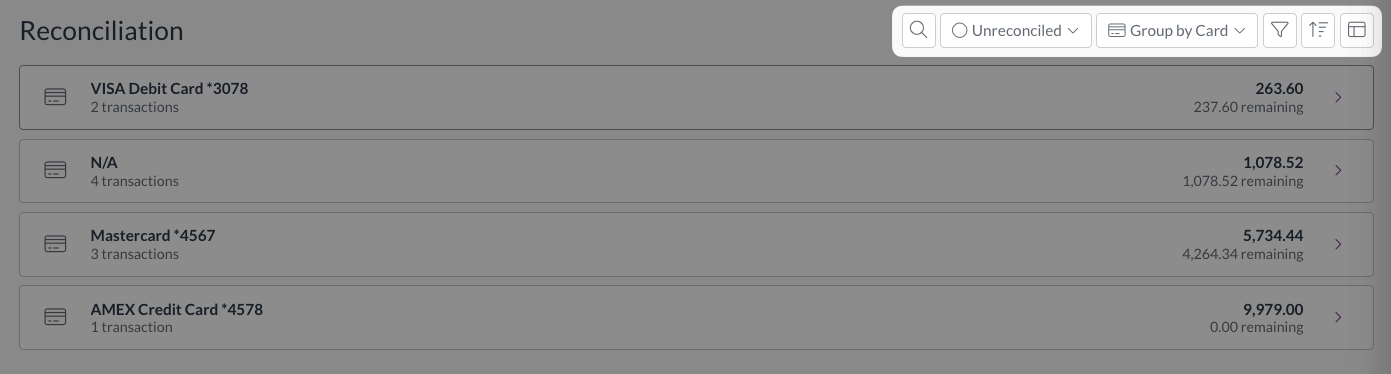
You can also refine your view with:
- Search bar
- Payment status filter
- Subsidiary, location, and supplier filters
- Advanced filters
- Sorting and view options
What's next?
→ Reconciling corporate card transactions
Need help?
Contact your organisation administrator or Zudello support for assistance with the Corporate Cards module.